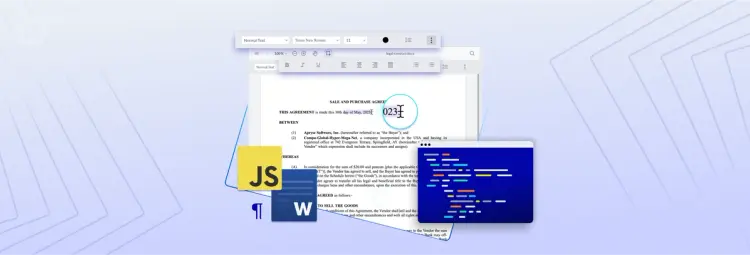
Javascript DOCX Editor
Provide a secure, reliable way to collaborate on DOCX files by integrating native DOCX editing into your web application. No more switching from Google to Microsoft Office, comparing edits between documents, or manually uploading and storing conflicting versions of files.

True WYSIWYG Word Editing
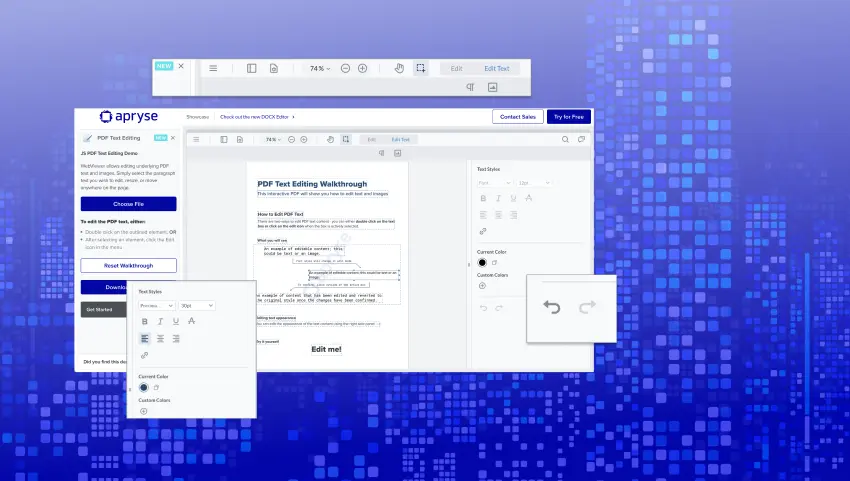
Save your changes in DOCX Editor confidently with ‘what you see is what you get’ word editing, knowing that formatting and styling stays consistent across Word processors. Easily personalize documents by changing font types, styles, sizes, and colors. Adjust text alignment, margins, column widths, line spacing, and standardize headings within your document. Organize ideas with bullet points, numbered lists, or tables, just like in Microsoft Word.


Apryse DOCX Editor Use Cases

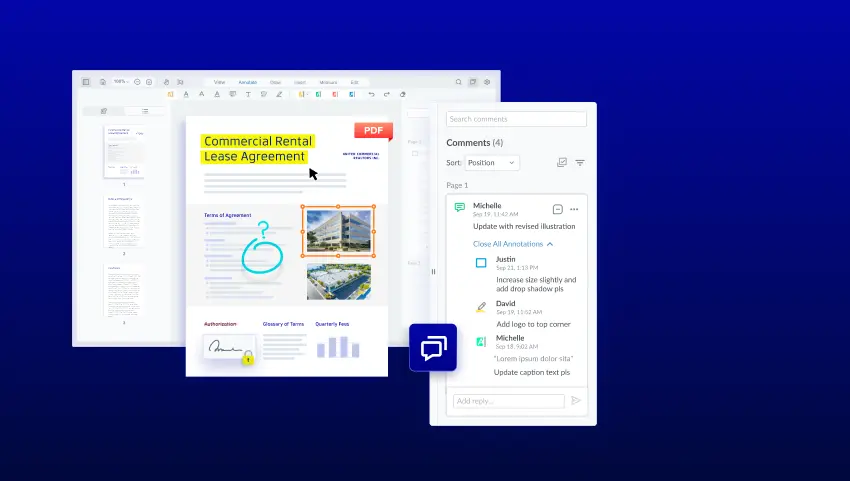
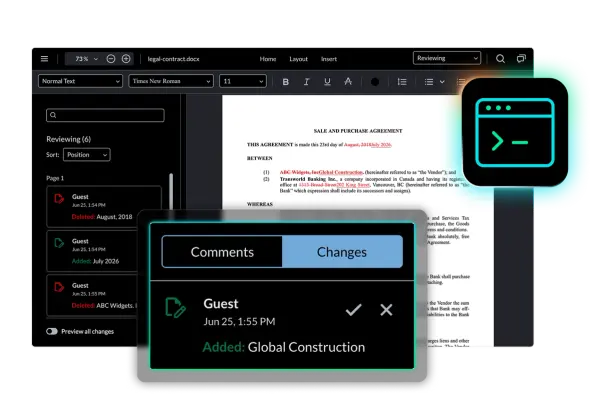
Legal advisors track document changes to understand what edits were made, who made them, and when, bringing transparency and efficiency to the review process while eliminating the need to reload DOCX files or share changes via insecure methods such as email communications and attachments.

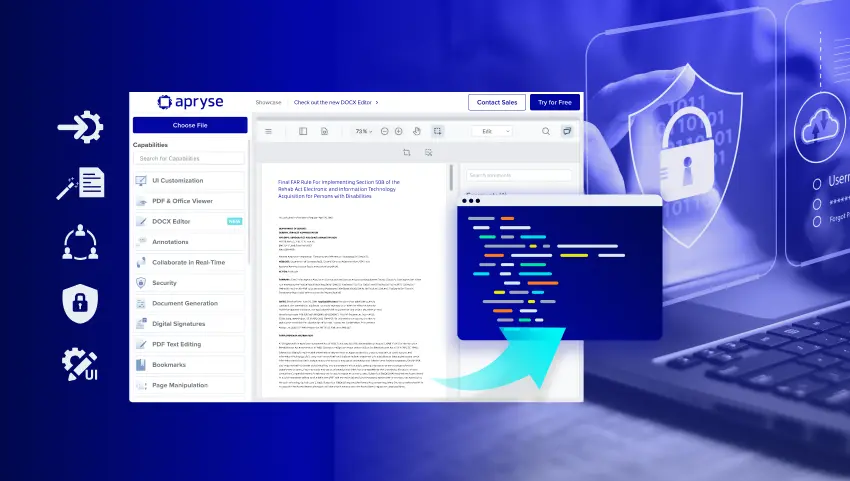
IT teams can reduce or eliminate the need for users to convert documents from one system to another while minimizing document formatting issues, information loss, and security concerns by using a single web application without server-side conversions.

Users exploring document formatting options can use the undo/redo feature to quickly return to an earlier version of content. This ensures that essential details, like entity names, dollar amounts, or legal terms, are preserved and accurate throughout the restructuring or recovery process.

NEW RELEASE
Programmatic Tracked Changes
TrackedChangeManager gives developers direct access to tracked changes in code. Accept, reject, navigate to, and retrieve individual changes programmatically, so contract review pipelines and AI-assisted editing tools can act on document changes without user interaction in the editor.
DOCX EDITOR FAQs
RESOURCES
Learn more about the Apryse DOCX EDITOR
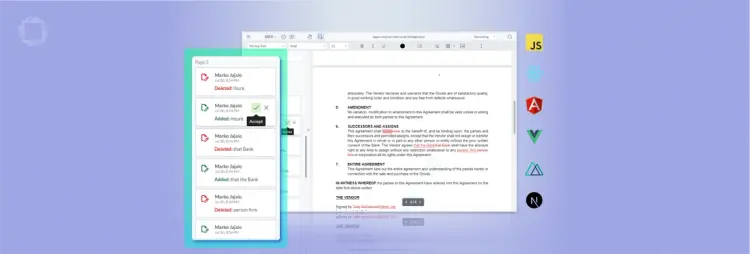
Build Efficient Redline and Approval Workflows with DOCX Track Changes

Interactive Demo: Try the New DOCX Editor
2023-11-23
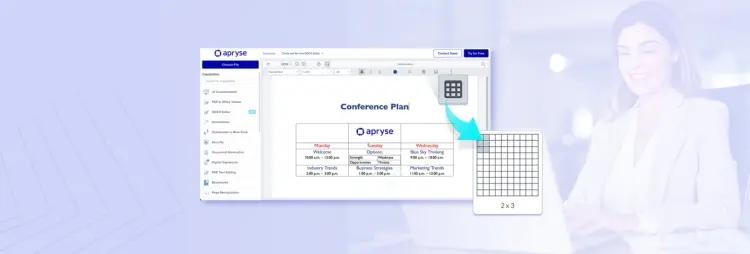
How it Works: DOCX Table Editing in WebViewer 10.8
2023-10-06

DOCX Editor SDKs Compared – Native OOXML vs JSON Editing
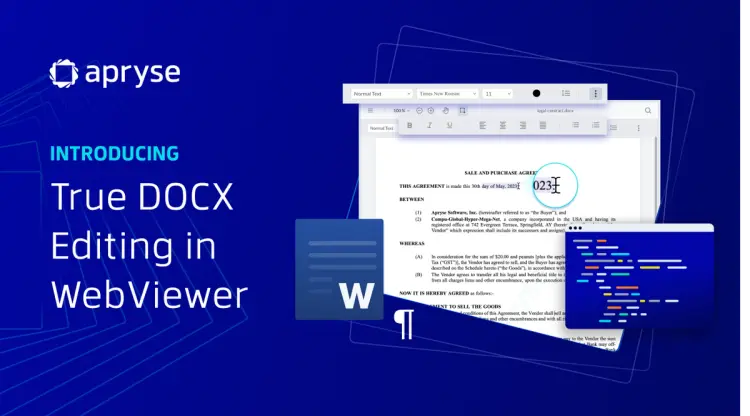
Create and Edit Word DOCX Documents in Any Web App