∞
Unlimited scans on unlimited devices for the same price.
400+
Enterprise customers globally that trust the Scanbot SDK.
100%
Offline scanning and on-device processing for full data privacy.
10
Supported platforms for mobile, web, and server environments.
Effortless Scanning Features
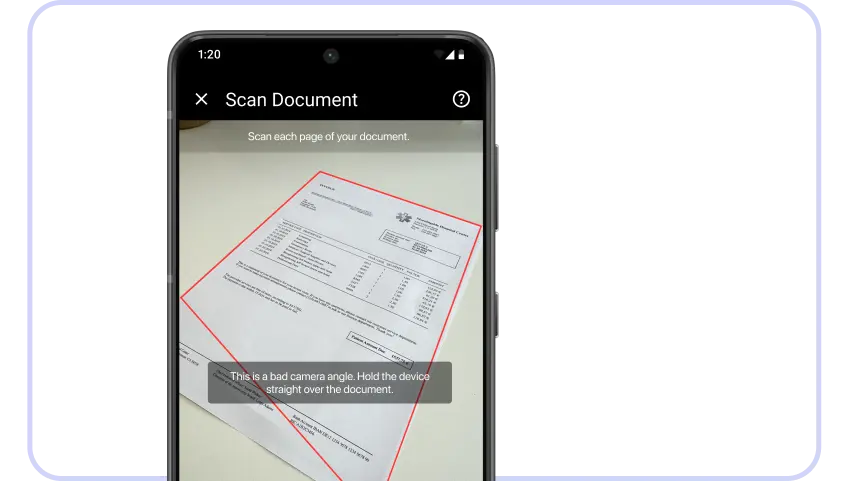

User Guidance
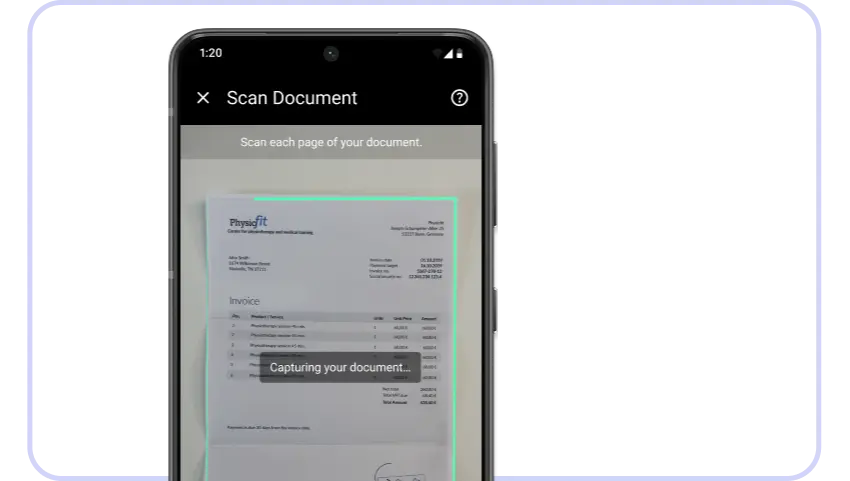
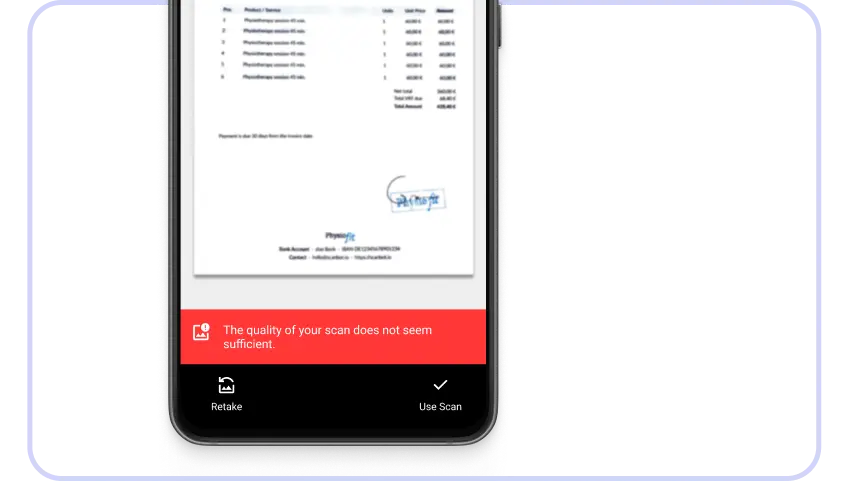
On-screen user guidance combines real-time text instructions, and a visual document overlay that help users correctly position and capture documents.


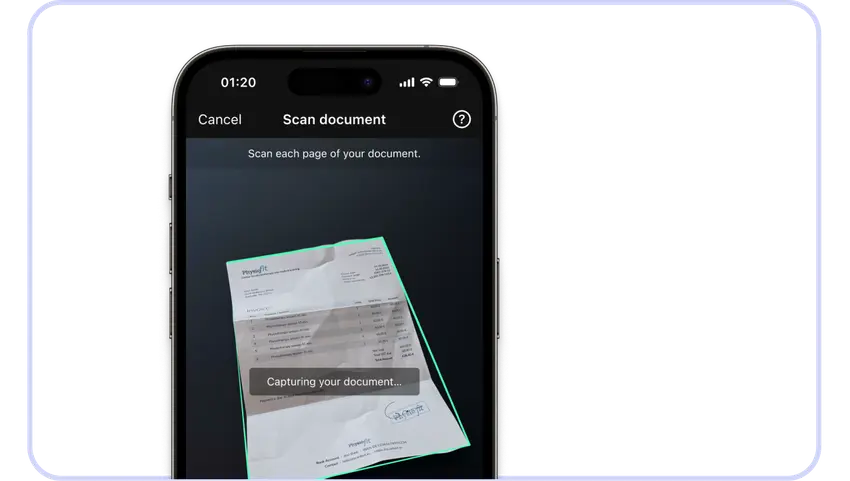


Platform Support
Available for Your Framework
The Scanbot Document Scanner SDK is available for web, mobile, and server-based applications.


Why Scanbot SDK Is the Right Partner for You

On-Device Processing
All data is processed locally on the device, with no connections to third-party servers. The SDK works fully offline, ensuring uninterrupted workflows even without an internet connection.

Developer-First Product
The Scanbot SDK offers extensive documentation, a 7-day free trial license, and sample apps to get you started quickly. Thanks to RTU UI components, teams can integrate and customize the SDK with a few lines of code.

Fixed Pricing Model
Our pricing model is simple: One annual fee for unlimited scans on unlimited devices. This makes costs predictable and budget planning straightforward – without hampering your growth. Contact our team to discuss.

Enterprise-Grade Support
Trusted by 400+ enterprises worldwide, Scanbot SDK brings deep expertise to the table. Our experienced technical support team is there for you whenever you need guidance or have questions.
Impact
How Document Scanning Drives Business Outcomes
From finance and legal to trucking and insurance, mobile document scanning brings significant benefits across operations.
Faster Processing
High-quality scans improve processing accuracy, reduce errors, and shorten turnaround times. No more slow physical document handling.
User Satisfaction
Taking a scan should be simple. The intuitive interface guides even non-technical users to get it right the first time, no rescan required.
Cost Savings
High-quality scans enable automation to work as intended, reducing manual intervention and lowering operational costs.
Scalability
Consistent scan quality means predictable performance across devices, users, and environments – from pilot projects to production-scale deployments.
From High-Quality Capture to End-to-End Document Workflows
Scanbot + Apryse
Scanbot SDK ensures high-quality document capture at the very beginning of the workflow – guiding users, preventing poor scans, and producing clean, OCR-ready images. Downstream, Apryse SDKs offer powerful tools for document conversion, redaction, annotation, and collaborative review.
Don’t Take Our Word for It
"We rely heavily on this solution, and the Scanbot SDK team has been a trusted partner since day one."
Patrick Krämer
Product Owner MitarbeiterApp

"Integrating the Scanbot SDK eliminated every issue we had with our previous scanning solution on Android and iOS."
Michael Schomacker
Digital Service Owner

"The integration of the Scanbot SDK has improved the quality of the scanned documents and thus the quality and efficiency of the downstream automated process."
Gabriel Pollak
Team Lead Xamarin

"We were getting a lot of poor-quality document photos that our backend couldn’t process. After integrating the Scanbot SDK, we’ve processed over 116,000 documents without a single complaint."
Heshie Brody
Technical Lead Client Portal

"In six successful years as a Scanbot SDK customer, we’ve had zero issues with their SDK. That lets us focus on other business priorities while delivering reliable document scanning to our users."
Clay Zuvich
Software Engineer

"The high-quality scanning components helped us boost customer satisfaction while significantly reducing costs – we are delighted about how this project turned out."
IT Research & Development Team

