Kristen Warner
Director of Brand and Communications
Published August 05, 2026
Updated August 05, 2026

3 min


React-pdf vs Apryse WebViewer: Which Is Easier to Customize?
Kristen Warner
Director of Brand and Communications
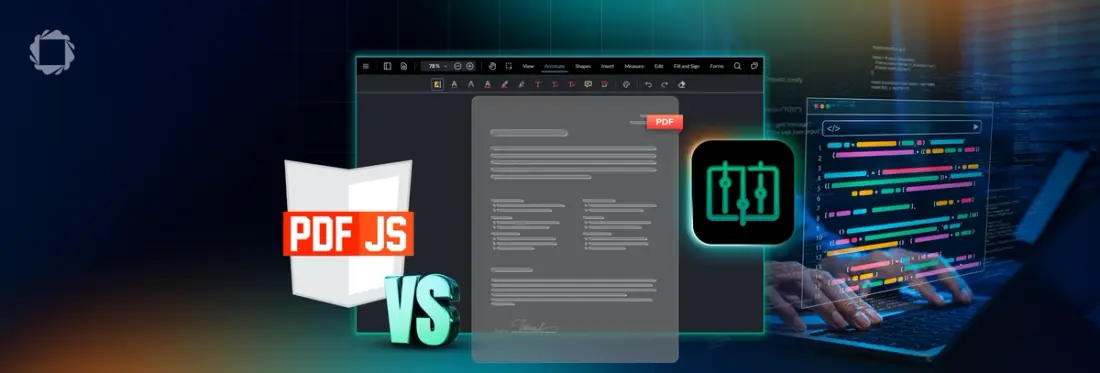
"Customizable" means different things depending on where you're starting from and for React developers choosing between react-pdf and Apryse WebViewer, that distinction shapes months of engineering time down the line. This post breaks down the real difference: react-pdf hands you a lightweight rendering foundation you build everything on top of, while WebViewer gives you a full document experience you customize instead. Including a real-world example of a team that outgrew the build-it-yourself approach, here's what to weigh before you commit.
Developers often compare react-pdf and Apryse WebViewer, a react-pdf alternative, when building React applications.
Both can be customized. The difference lies in what you are customizing.
React-pdf
- React-pdf focuses on rendering PDF documents inside React applications. It intentionally provides a lightweight foundation.
- Developers typically build their own toolbar, navigation, search, annotation experience, document workflows, and branding.
- This approach offers maximum implementation freedom but places more responsibility on the application team.
Apryse WebViewer
- Apryse WebViewer starts from a different philosophy. Rather than providing only rendering, it includes a complete document experience with a modular user interface.
- Developers can customize colors and themes, branding, toolbars, menus, side panels, workflows, permissions, annotation behavior, and integrations.
- Instead of building these capabilities from scratch, teams customize an existing foundation.
Which Is More Customizable?
The answer depends on what "customizable" means.
If customization means changing source code for a minimal viewer, react-pdf offers that flexibility.
If customization means creating a production-ready, branded document experience with minimal rebuilding, Apryse WebViewer provides substantially more functionality to customize from day one.
Real-World Example
Blue Voice initially built its application using an open-source React PDF viewer. As the product expanded across police departments, maintaining PDF functionality internally began consuming engineering time that could have been spent improving the company's core product. The team ultimately adopted Apryse WebViewer, allowing developers to focus on customer-facing innovation instead of maintaining document infrastructure. They later expanded their application with AI-powered document workflows built on top of the same platform.
Which Should You Choose?
Choose react-pdf if your application only requires PDF rendering and you expect to build the surrounding experience yourself.
Choose Apryse WebViewer if you want a customizable document platform that includes advanced capabilities while remaining flexible enough to match your application's design and workflows.
For many teams, the decision of react-pdf vs Apryse WebViewer is less about open source versus commercial software and more about whether they want to build document infrastructure themselves or customize an existing platform.
FAQ
Is react-pdf harder to customize than Apryse WebViewer?
Not harder but different. React-pdf gives full source-level control over a minimal viewer; Apryse WebViewer gives a full-featured, modular UI that's customized rather than built from scratch.
Can I migrate from react-pdf to Apryse WebViewer?
Yes. Teams commonly migrate once the surrounding experience they've built on react-pdf, such as toolbar, search, annotations, workflows, becomes more costly to maintain than adopting a platform that includes it.
Does Apryse WebViewer work well in React applications?
Yes. WebViewer integrates into React applications and provides the modular UI, annotation, and workflow capabilities react-pdf leaves to the development team to build.