Apryse Powers Cross-Platform PDF Editing
PDF editing is complex by nature. Balancing layout integrity, security, and user experience isn't trivial. Apryse gives developers flexible options to embed editing where it makes sense, with client-side editing for responsive in-app interaction or server-side editing for secure, centralized processing.
Client-Side PDF Content Editing
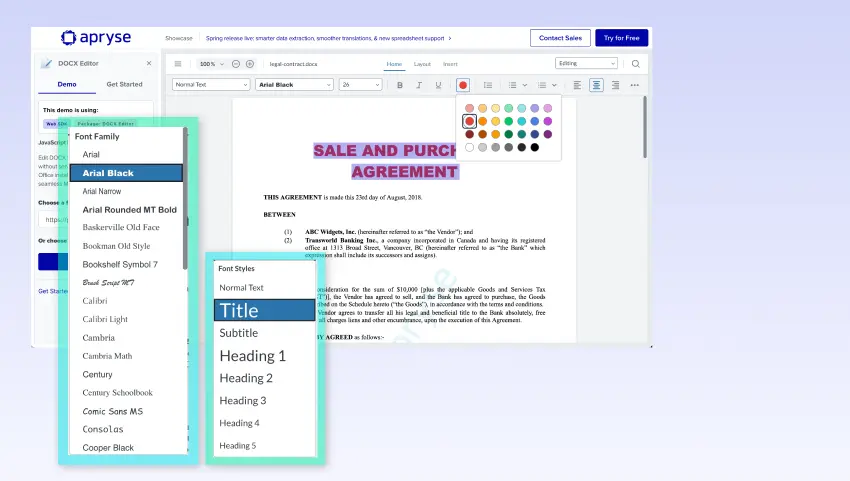
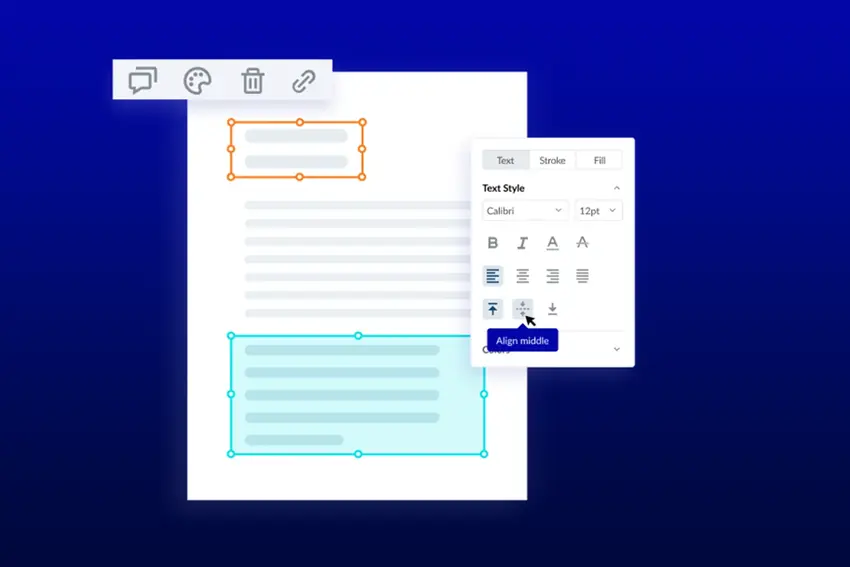
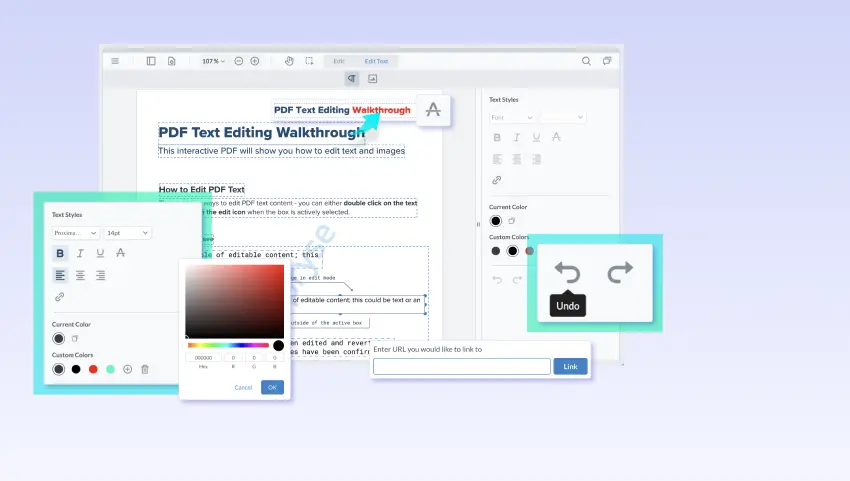
Make direct edits to text and images in a PDF without converting to another format. Apryse enables in-browser editing with content reflow, drag-and-drop selection, and full custom styling for real-time, intuitive user interaction.



Content Editing Use Cases
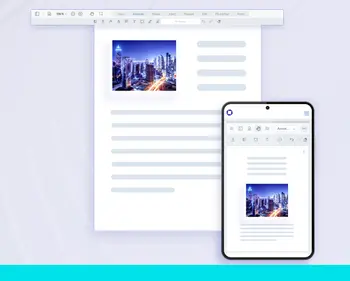
Branded Collateral Updates
Make quick edits to branded PDFs without relying on design teams with the original technical files.
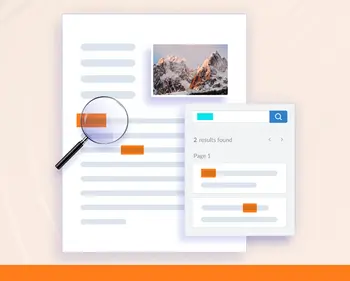
Contract and Proposal Revisions
Amend proposals during discussions with strikethroughs, highlights, and text edits without needing to revisit.
Layout Optimization
Make last-minute adjustments to fit additional content, change images, and implement small edits.
Edit PDFs Programmatically and at Scale
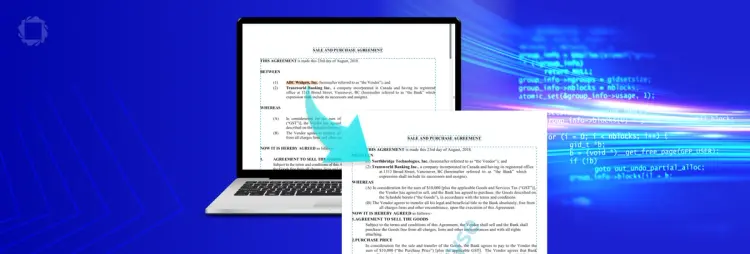
Programmatic Text Editing lets developers automate find and replace actions across thousands of PDFs—securely and at scale—while preserving layout, fonts, and formatting. Built on Apryse’s reflow engine, it delivers layout-aware updates that feel native to the original document.
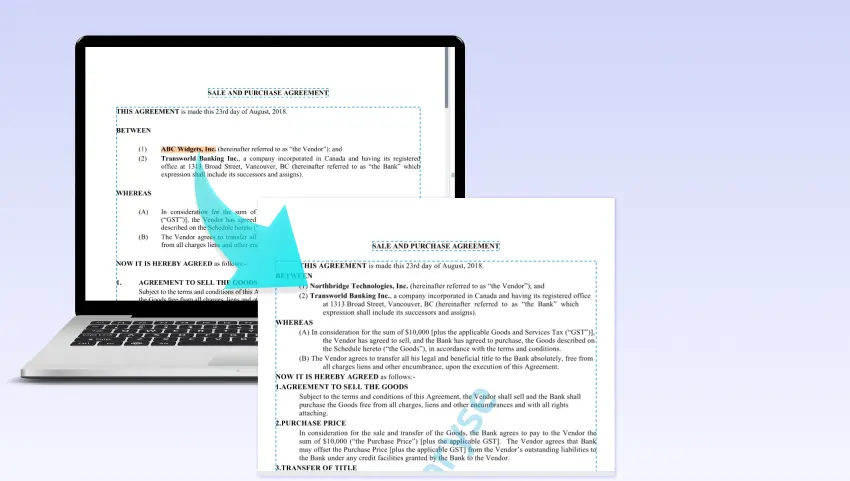





Programmatic Text Editing Use Cases

Enterprise Legal Teams
Replace outdated vendor names or legal language across thousands of contracts in one go—without compromising formatting or spending hours in desktop editors.

Government Institutions
Quickly update official forms or notices with language changes or compliance updates—all within a secure, controlled server environment.

Educational and Publishing Workflows
Apply brand name updates or policy revisions across brochures, handbooks, or PDFs used at scale, while maintaining consistent formatting and structure.
XLIFF Reflow – Automated Multilingual PDF Translation
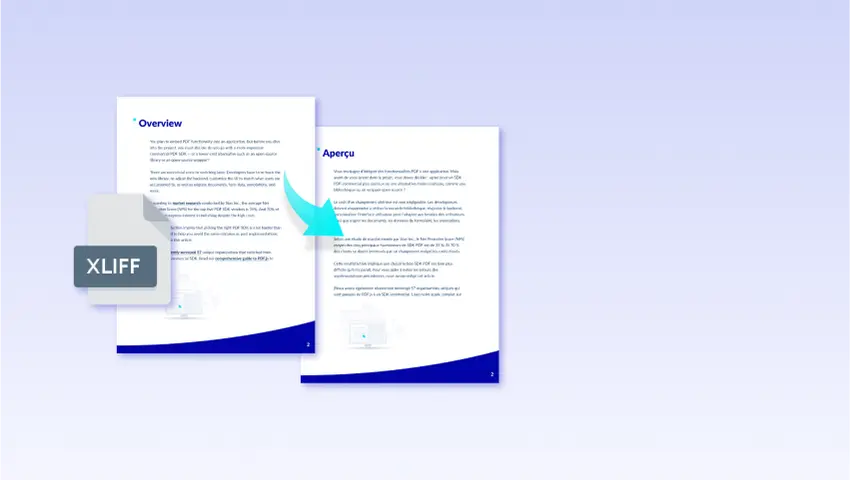
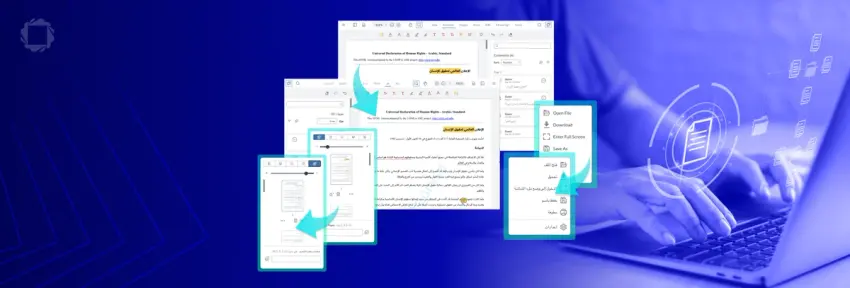
For enterprises handling multilingual content, XLIFF Reflow extracts text from PDFs into XLIFF format for translation and reflows it back: preserving formatting, styles, and layout from extraction to reinsertion. Now with right-to-left language support, you can apply RTL translations such as Arabic and Hebrew onto left-to-right source documents automatically without formatting loss.



XLIFF Reflow Use Cases
Global Financial Institutions
Automate the translation of compliance reports and financial disclosures while maintaining legal accuracy and strict formatting.

Multinational Manufacturing Companies
Localize product manuals, safety guides, and specifications while ensuring document consistency across all regional markets.

Government Agencies & Public Records
Digitize and translate archived documents with OCR + XLIFF Reflow, ensuring accessibility and compliance with legal standards.
EDITING FAQS
RESOURCES
Innovative Technology. Proven Results
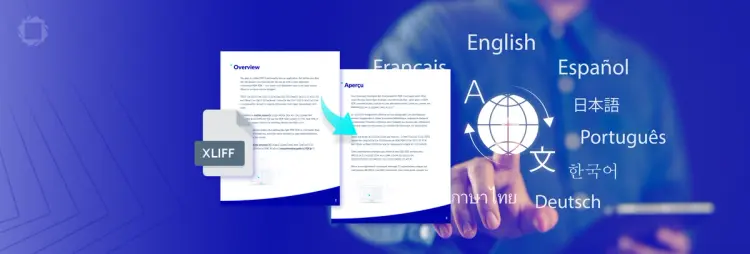
Introducing XLIFF Reflow: The Smarter Way to Translate PDFs Without Losing Formatting

PDF Content Editing Guide
DOCX Editing Guide
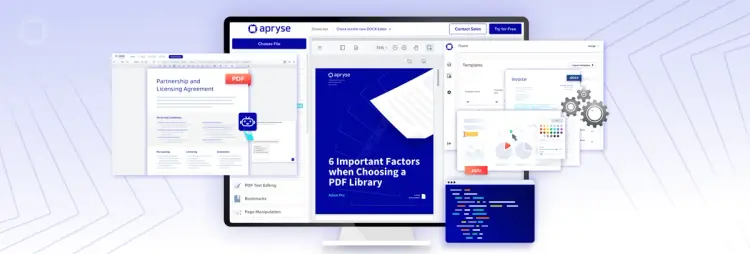
What’s New in Apryse 10.7?
2024-02-28
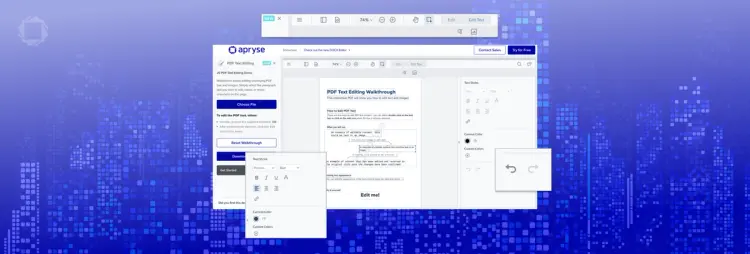
Enhance Your PDF Editing with Apryse’s Real-Time WYSIWYG and Advanced API Features
2024-03-20
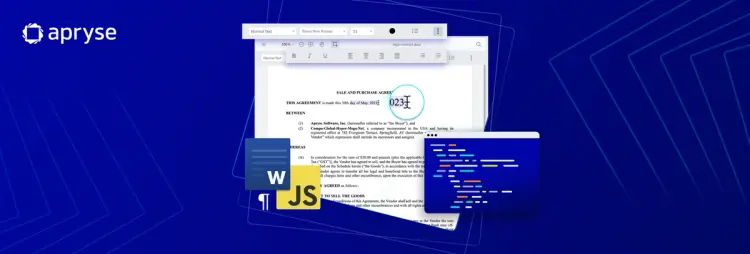
Create and Edit Word DOCX Documents in Any Web Application
2023-05-29

Unlock Native Document Viewing and Editing in Appian with Apryse WebViewer
2023-09-16