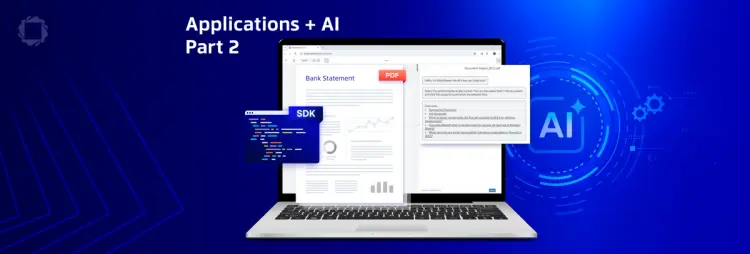
WebViewer 12.0 is now available.The legacy UI has been retired, with a single supported customization model, a smaller download, and a tightened CSP.
Power High-Stakes Document Interactions in Your Product
WebViewer runs the document layer of applications, where the document is the work: contracts that get signed, claims that get approved, and filings that have to be exact. More of that content now comes from an LLM or an extraction pipeline, but review can’t be automated. Someone still has to verify what the model produced.
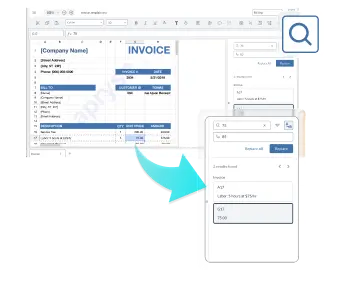
WebViewer is where that verification happens. High-fidelity rendering, search, redaction, annotation, comparison, and editing sit beside the source document in your own UI, so a reviewer can confirm or correct model output and act on it without switching tools.
Add the Viewer to Your App
Install the package, point it at a document, and mount it to an element on the page. Wrappers for React, Angular, and Vue are available.
import WebViewer from '@pdftron/webviewer'

const viewerElement = document.getElementById('viewer');

WebViewer({
  path: '/webviewer/lib',
  initialDoc: '/path/to/doc.pdf',
}, viewerElement).then(instance => {
  // call apis here
});
In-Browser PDF and Office Editing
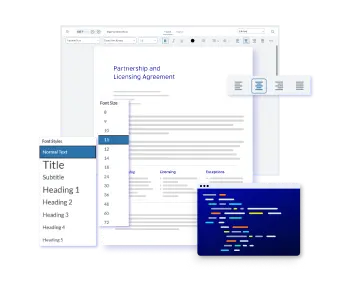
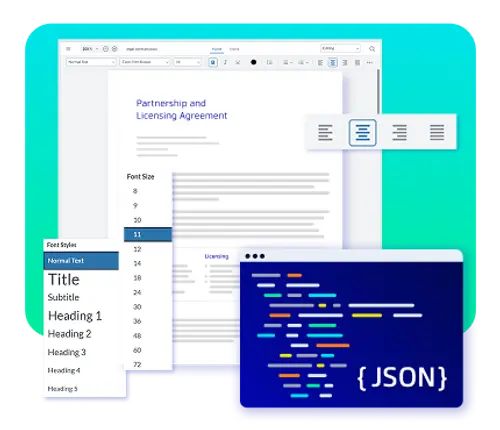
WebViewer’s editing add-ons extend the core viewer with PDF, DOCX, and spreadsheet editing. Enable each capability as needed using the same API and UI framework, so the integration and interface stay consistent across all three.
Document Interaction & Processing Capabilities
REVIEW AND COLLABORATION
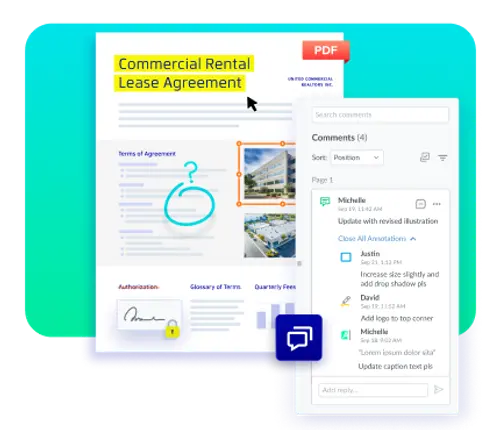
Review and Collaboration
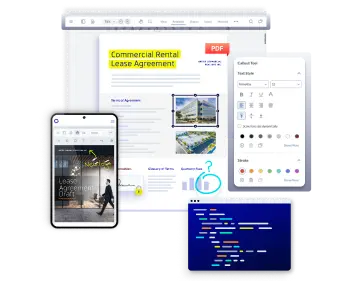
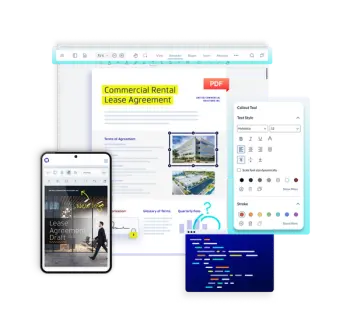
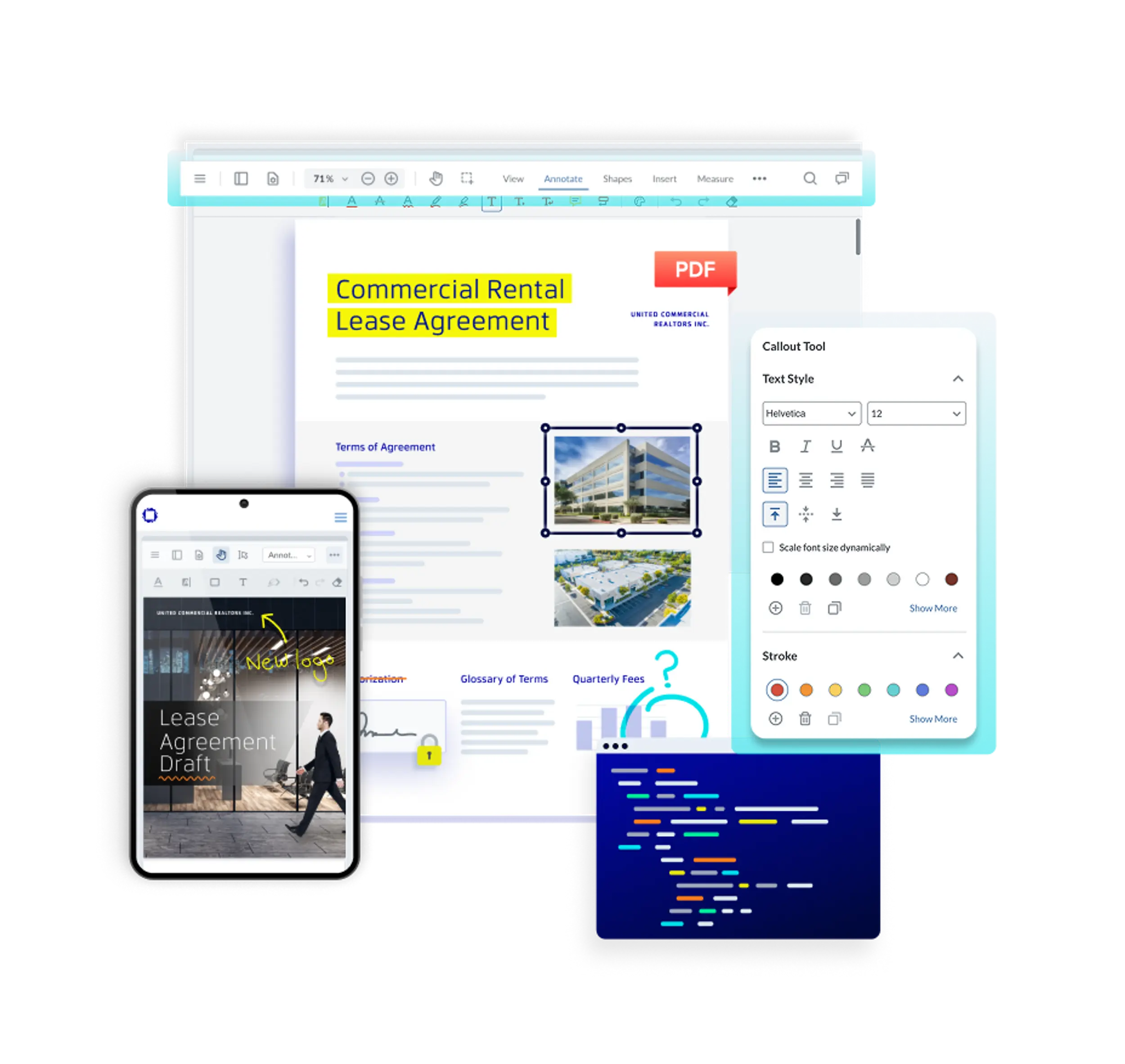
Add 35+ annotation types or build custom markup tools, with support for collaborative review.
VIEW CAPABILITIES
TEXT EDITING
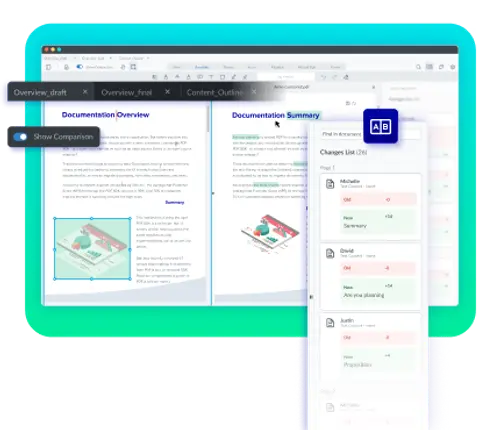
COMPARISON
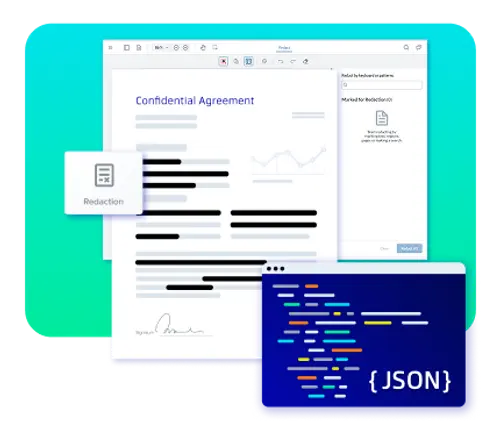
REDACTION
FORM CREATION
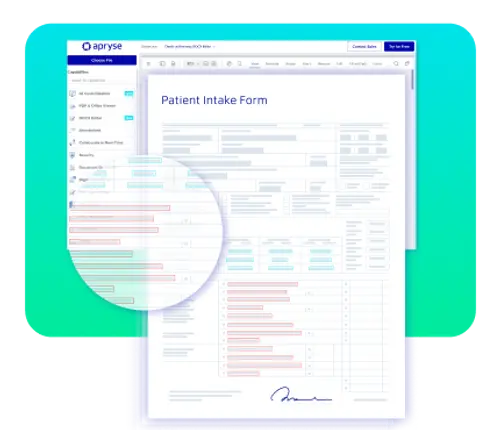
DIGITAL SIGNATURES
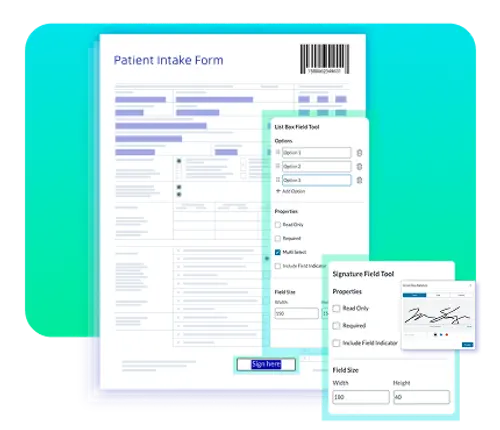
MEASUREMENT
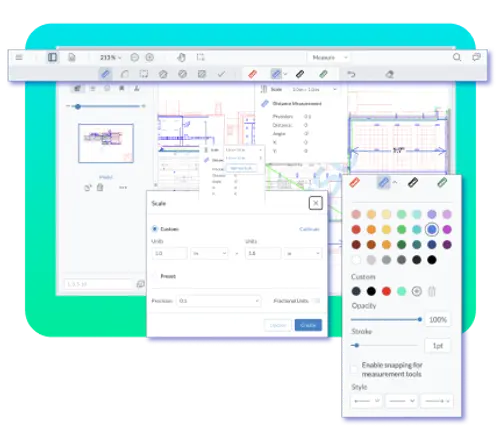
PAGE MANIPULATION
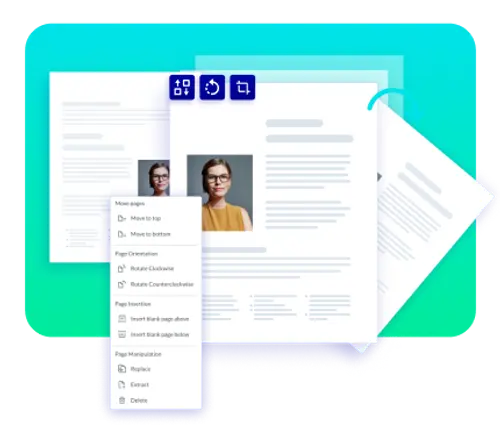
DOCUMENT GENERATION
One SDK for PDF, Office, CAD, and Images
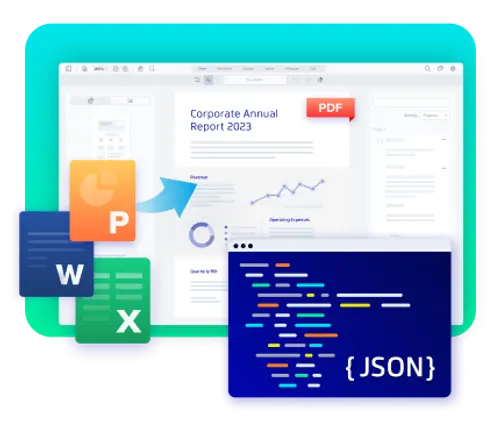
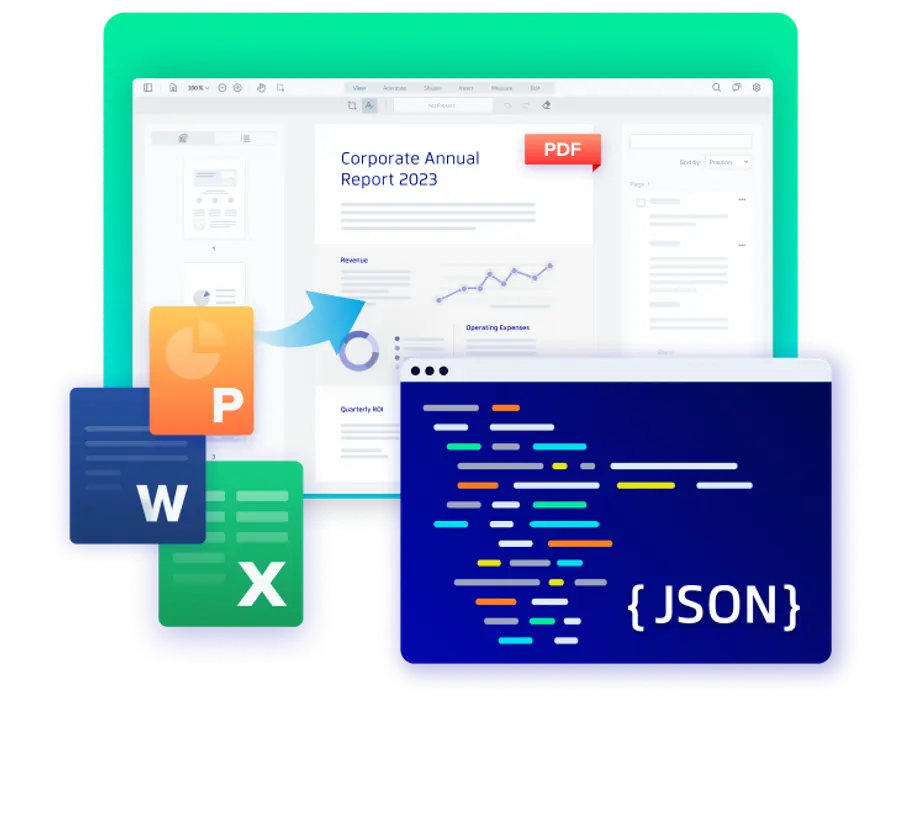
One SDK and one JavaScript API cover every file type your app handles: viewing and annotation for PDF and 30+ formats, including Office (DOCX, XLSX, PPTX) and common image formats, as well as editing for PDF, DOCX, and Excel files in the browser. Learn it once and reuse it everywhere, instead of stitching together a separate library per format.
Build Workflows That Fit Your Application
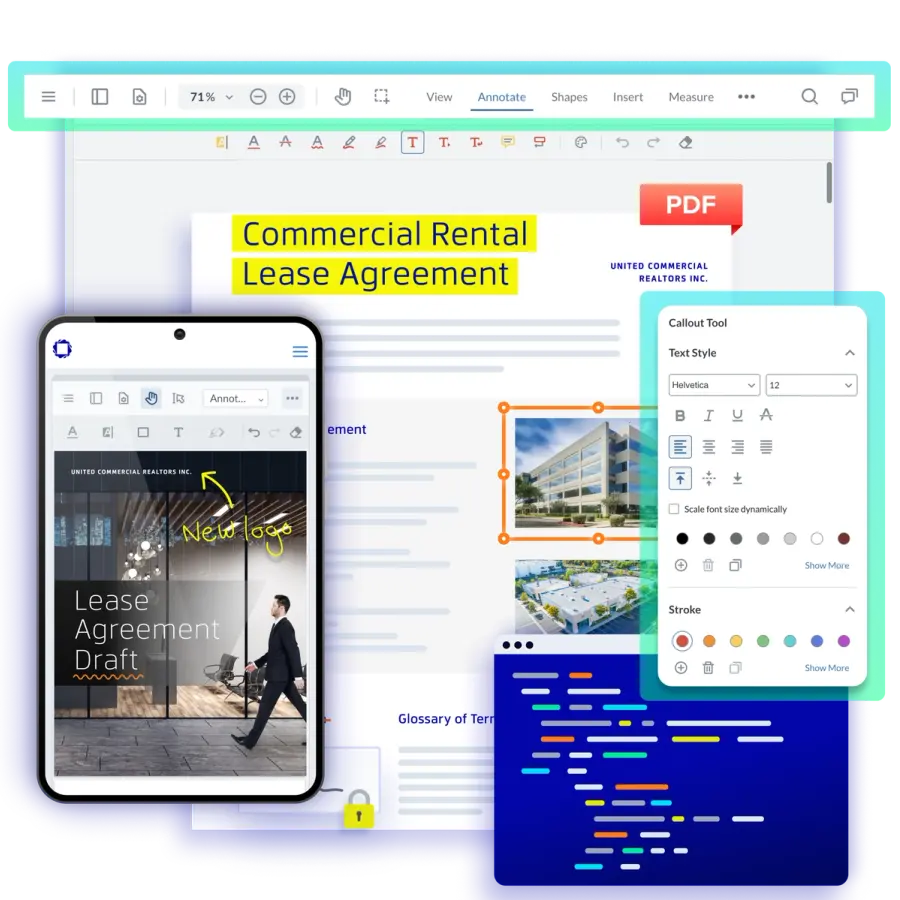
Configure toolbars, panels, theming, and navigation to match how your users work, then ship it inside your existing application. WebViewer's modular UI is WCAG 2.2 Level AA-compliant by default, so accessibility is one less thing to retrofit.
Control Document Behavior with APIs
Everything in the viewer is scriptable through the JavaScript API: drive the viewer programmatically, respond to document events, and wire interactions into your app. Processing runs in the browser via WebAssembly, so document content is never transmitted to Apryse’s infrastructure, which keeps on-premise and air-gapped deployments straightforward.
What Developers Build with WebViewer
AI Document Review
A human review step for model-generated or extracted content, before it enters your system.
Contract Lifecycle Management
A browser-based contract review and approval flow with redlining and digital signatures.
Document Management Systems
A unified document viewer for PDF, Office, and image files, with annotation and search.
Claims Processing
In-workflow document verification with redaction and form-based data capture.
Compliance & Audit
A version comparison and approval audit trail for compliance workflows.
Customer Onboarding
An embedded document experience for onboarding: form filling, e-signature collection, and document review in one step.


Supported Integrations


Why Teams Choose WebViewer
WebViewer is the only JavaScript SDK that views and edits PDF, DOCX, and spreadsheets natively in the browser, through one consistent, WCAG 2.2 Level AA interface, from a single vendor, with no server dependency for processing.

Client-Side
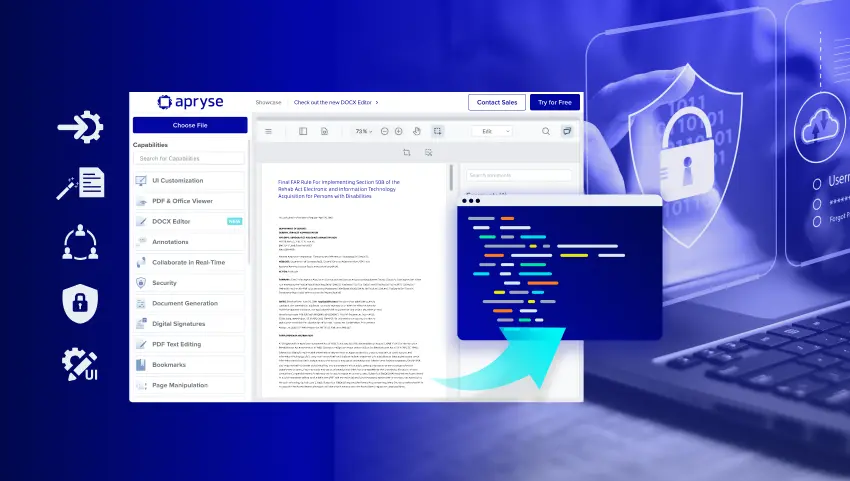
Client-side WebAssembly processing. Document content never leaves the browser.






WebViewer FAQs
RESOURCES
Access Most Used WebViewer Resources
Apryse WebViewer Demo Series
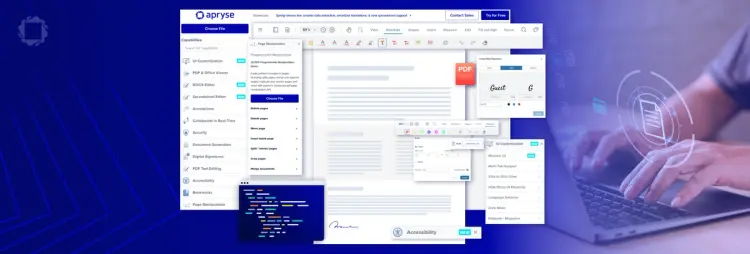
WebViewer Function and Customization Capabilities

WebViewer Showcase Page

How Blue Voice Uses Apryse WebViewer to Deliver AI-Powered Policy Access Across 200+ Police Departments

How Juume AI Cut 18 Months Off Its Go‑to‑Market Timeline with Apryse

Designing a Production‑Ready Document Experience in AI Applications

AI Powered Redaction from Within Apryse WebViewer
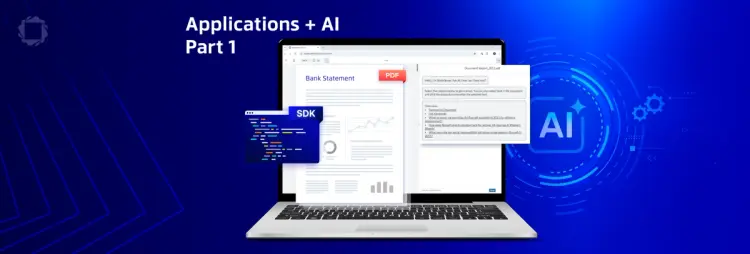
Creating a Web Application that Interacts with AI. Part 1: Setting up the Client-side Interface