
Developers
PDF Web Viewer
WebViewer, the PDF Web Viewer, offers a single, customizable component that ensures the highest quality rendering, conversion, and document manipulation capabilities. It is compatible with all frameworks and browsers, enabling users to expand the possibilities of PDF, Office, CAD, images, videos, and websites. With a fully featured UI trusted by thousands of customers, the PDF Web Viewer guarantees exceptional usability and functionality out of the box.
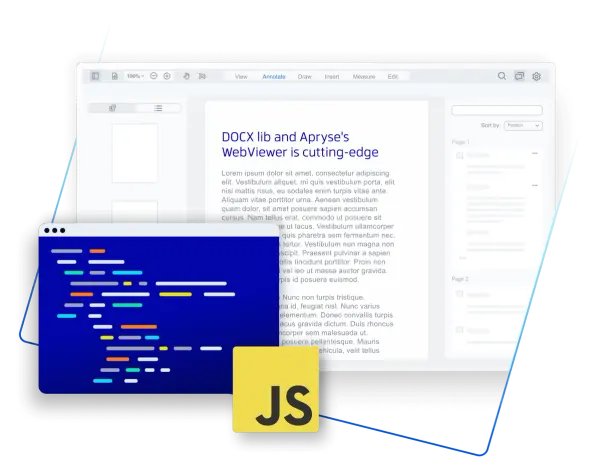
Fully Featured Out of the Box
WebViewer's out-of-the-box UI is used and trusted by thousands of customers, delivering exceptional usability and functionality.
Customizable to your needs
Make it your own with complete control over functionality, behavior, and appearance. Reflect your brand and the user experience you want.
Secure & Efficient
Scale your application and bring processing client-side, eliminating server-side and third-party dependencies. View, edit, and process documents in the browser, delivering a secure and real-time document experience.
Annotation and Collaboration
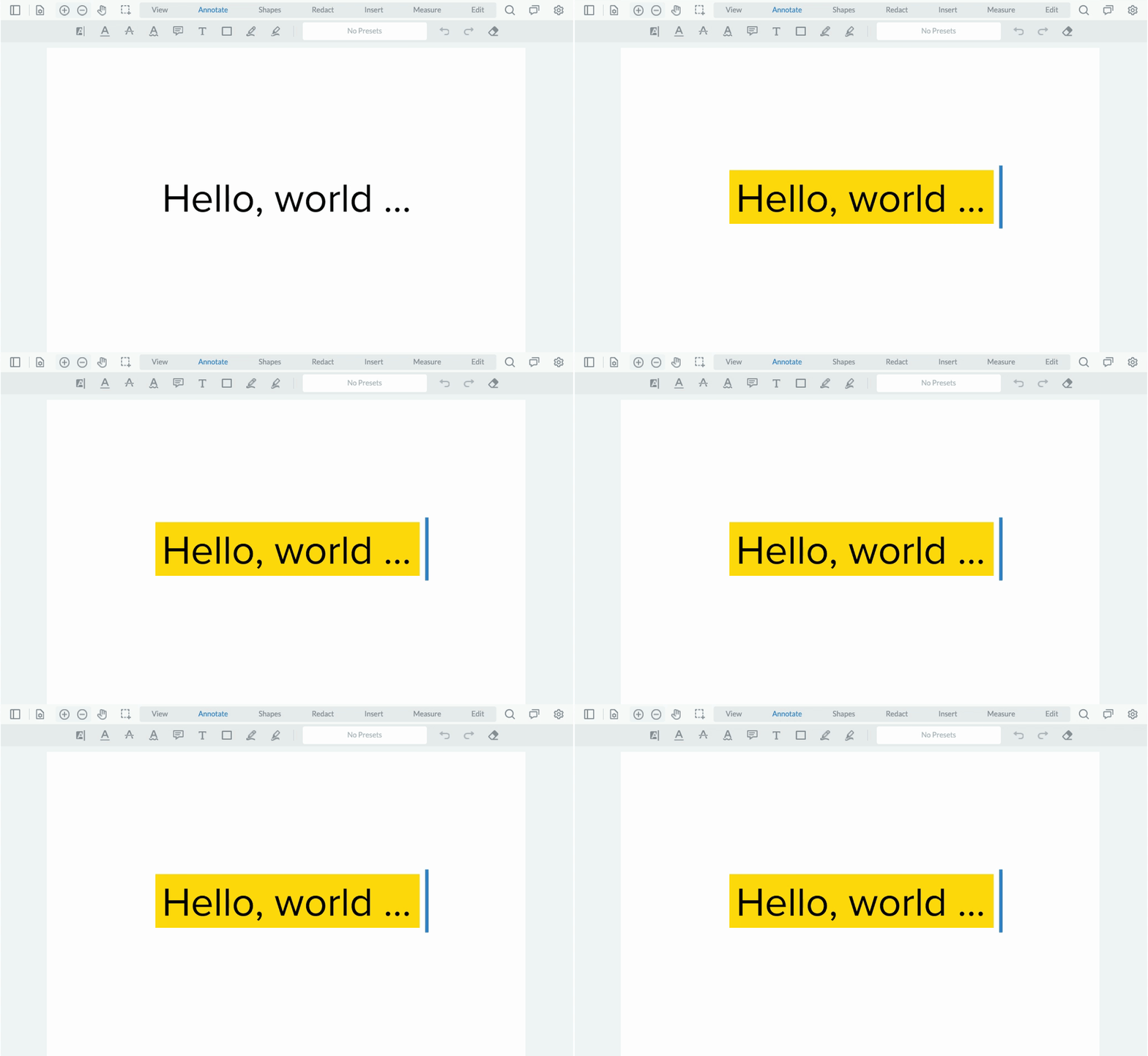
Choose from 35+ annotations or build custom markup tools. Then, leverage out-of-the-box modules to enable real-time collaboration.
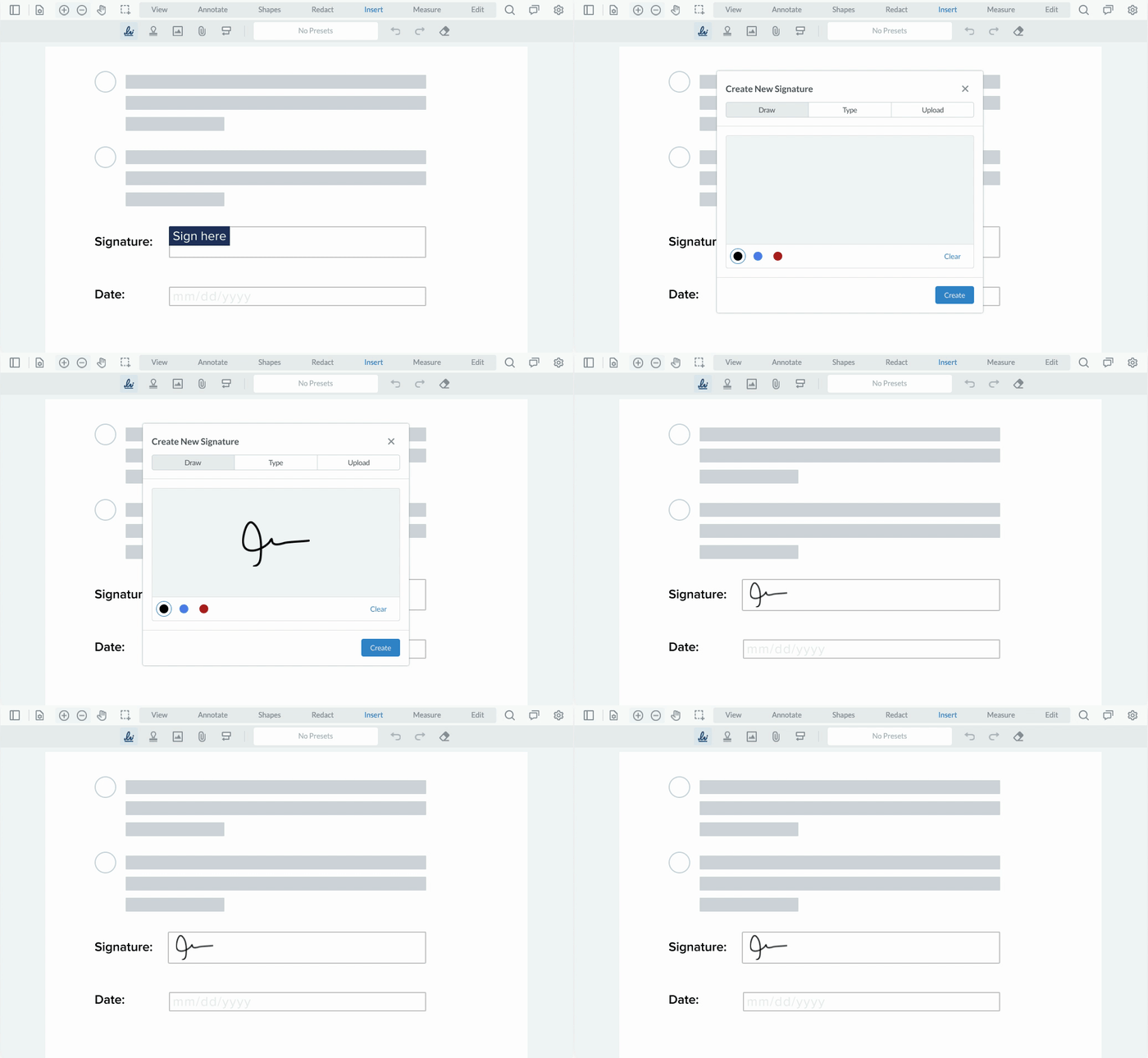
Digital Signatures
Create complete, custom signing workflows, including signature field assignment, signature creation, collection, and validation.
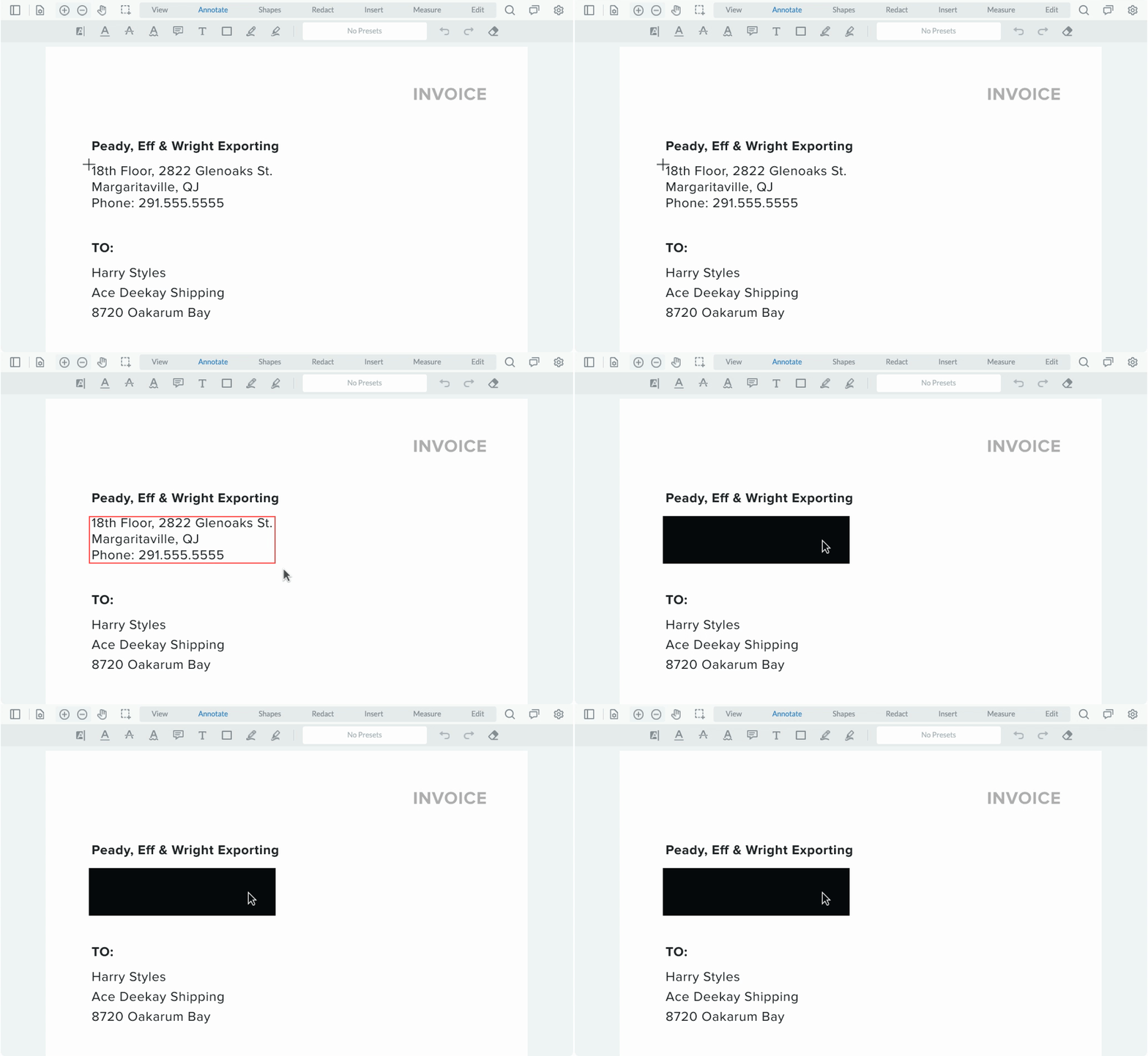
Redaction
Eliminate confidential information by searching and redacting sensitive keywords, strings, and patterns. Redact areas of images and text, or entire pages.
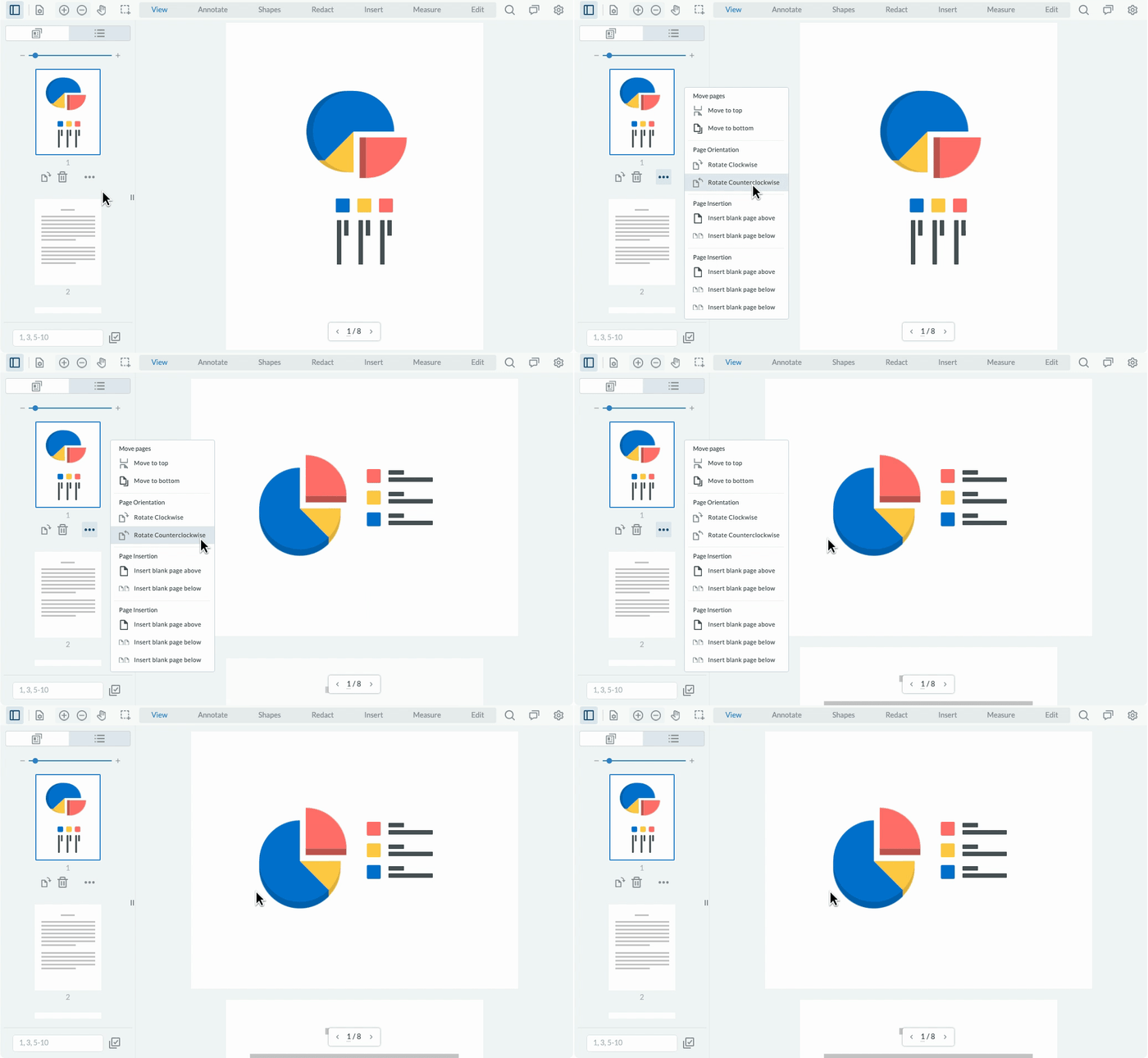
Page Maniplulation
Add, remove, rearrange, or merge pages easily by clicking or drag-and-drop page thumbnails, or set up a programmatic workflow.
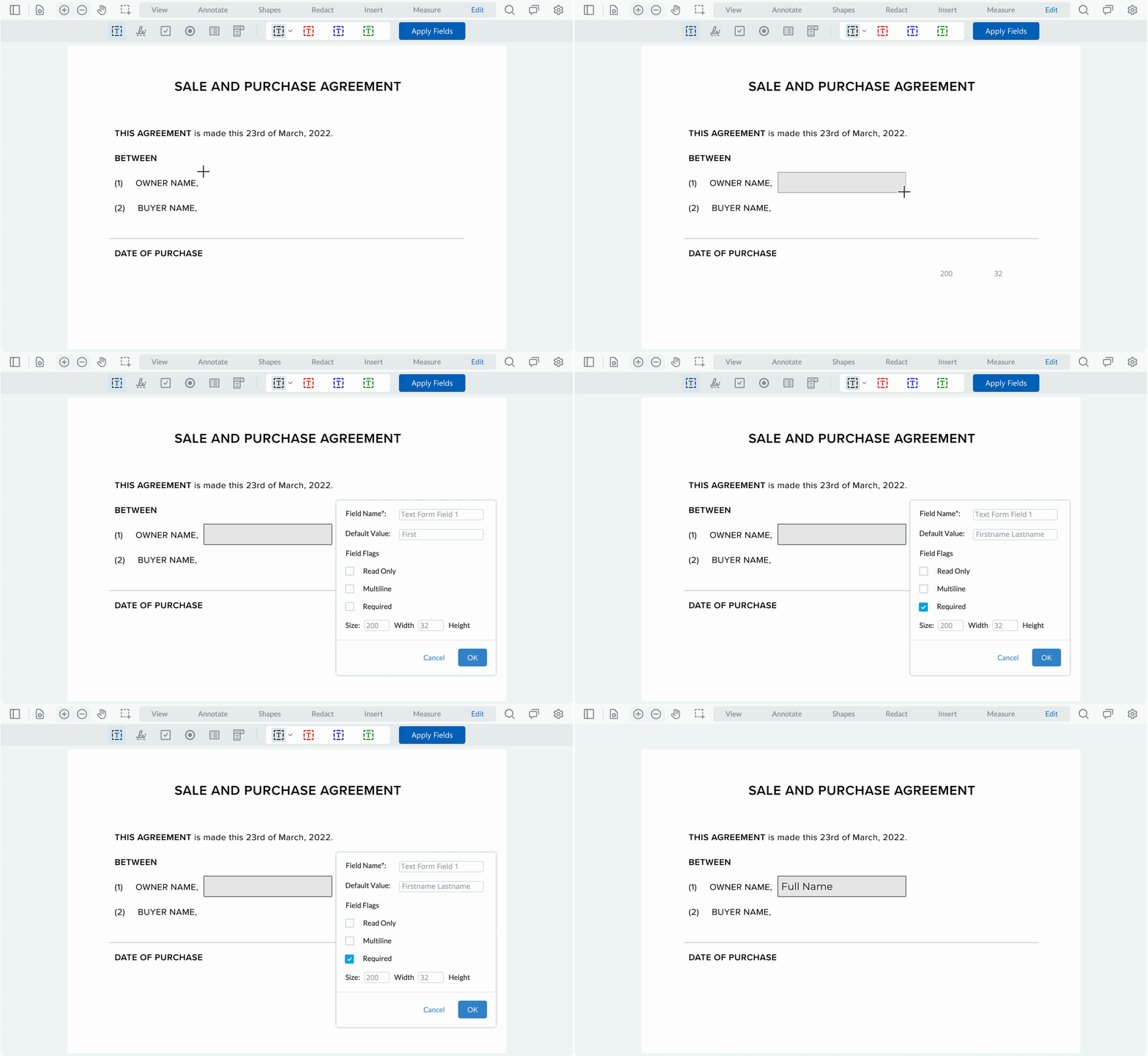
Create Forms
Simplify form filling with features that automate data entry into your database. Fill, edit, and create new forms. Populate data from any source into existing templates.
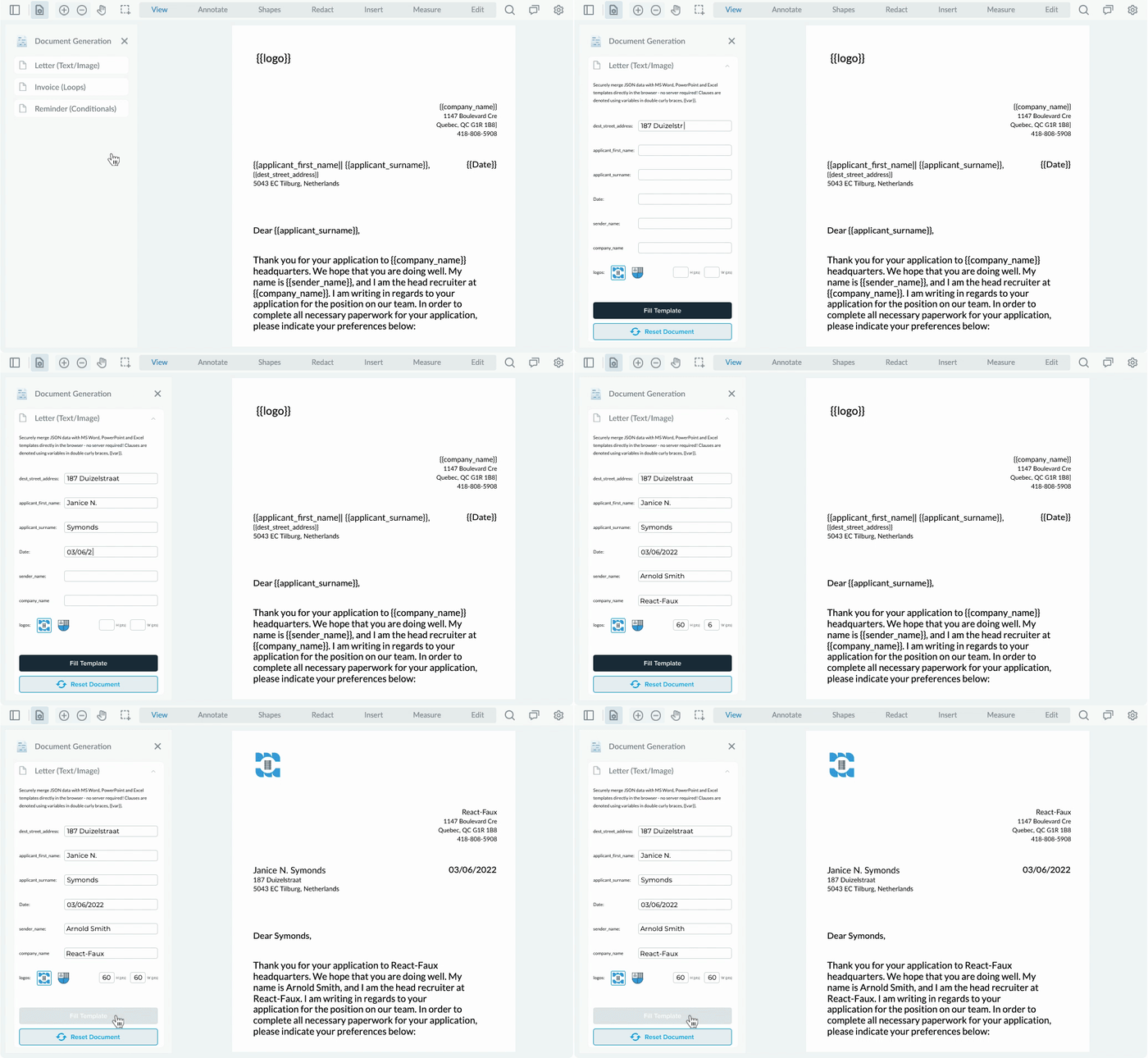
Document Generation
Embed a scalable and secure document generator that merges Office templates with JSON data client-side, right in the browser.
Comparison
Easily identify changes in drawings and documents with intuitive overlays, side-by-side comparisons, and semantic text differences in highlighted word pairs.

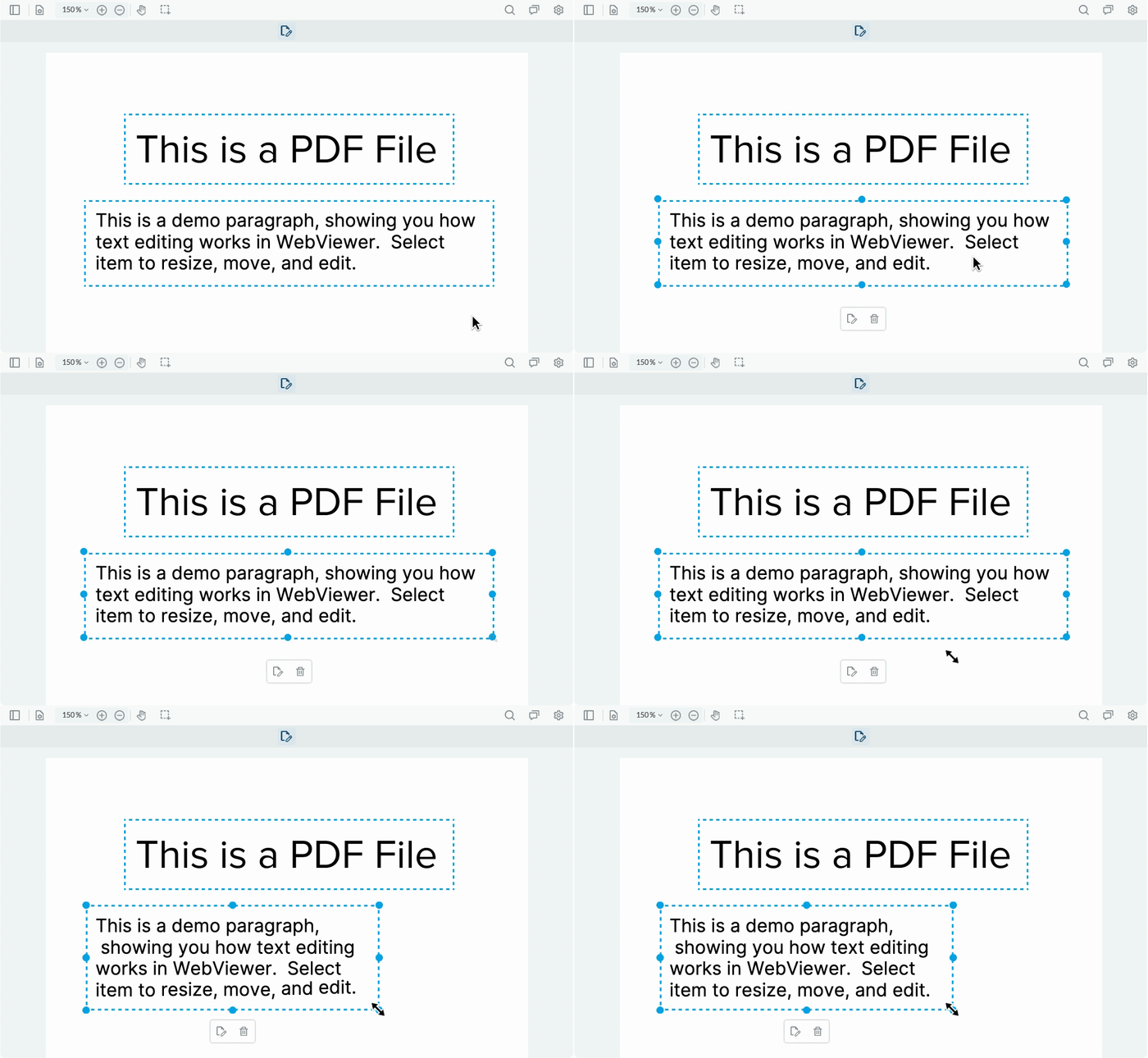
Text Editing
Have users edit PDF text and images in your app with a leading-accuracy editor that embeds directly. Apply or change existing styling or font sizes.
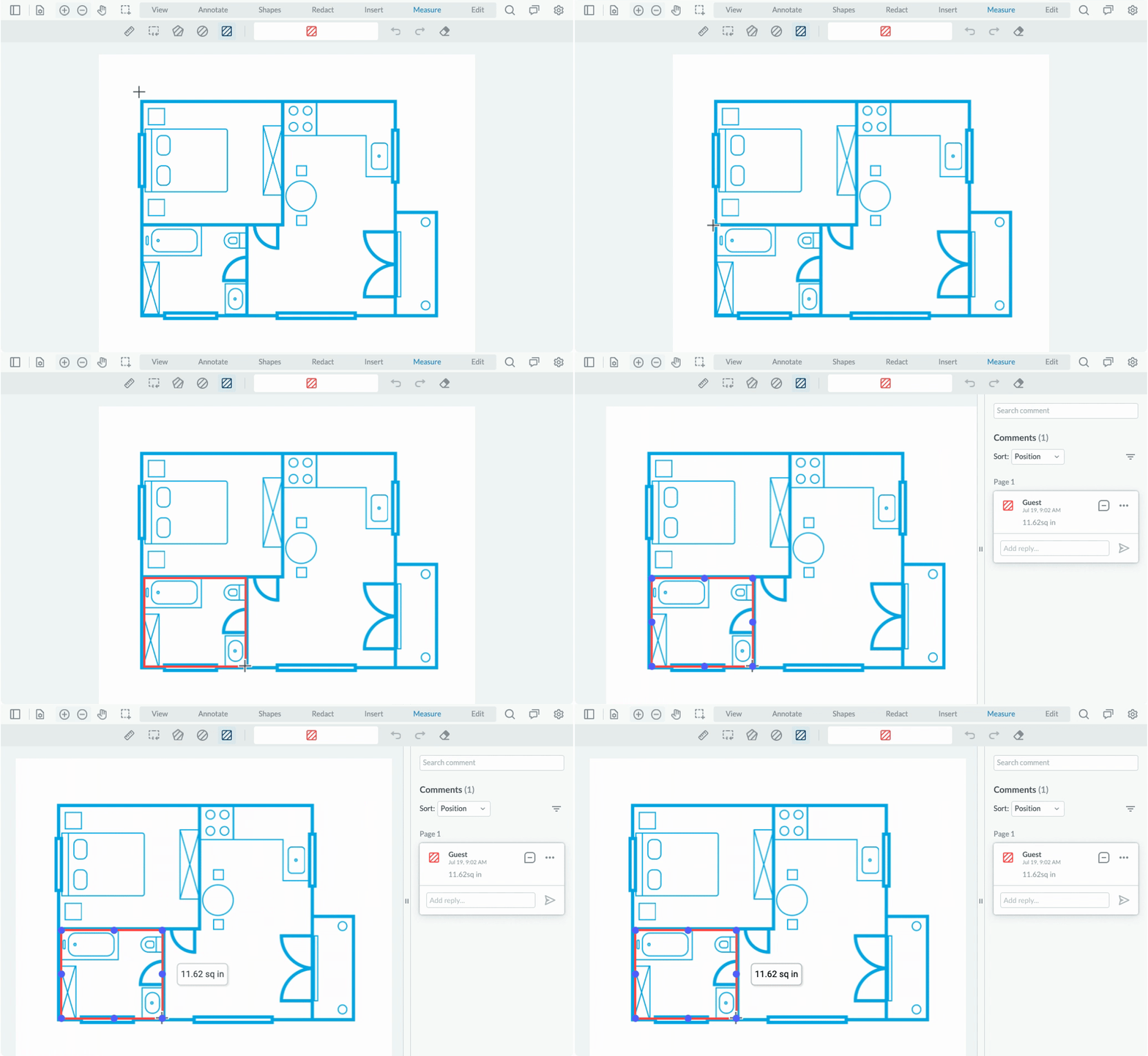
Measurements
Streamline estimates via a fast, precise measurement tool. Set drawing scale, and measure distance, area, perimeters, and more with snap-to geometry.



Supported Integrations


Supported Browsers

Chrome

Firefox

Safari

Microsoft Edge
