Faster, More Reliable Document Comparison
Enable users to compare document versions, review changes, and validate updates directly in your UI.


Choose How Documents Are Compared
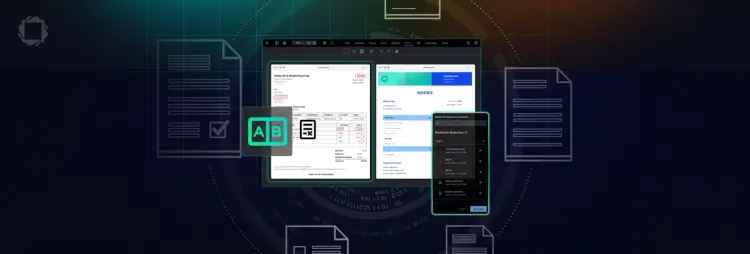
Compare documents by text, visual output, or pixels. Use semantic diff for structured content, PDF comparison for layout changes, or pixel comparison for low-level validation.


Ways to Compare Documents
SIDE-BY-SIDE DOCUMENT VIEWING AND EDITING
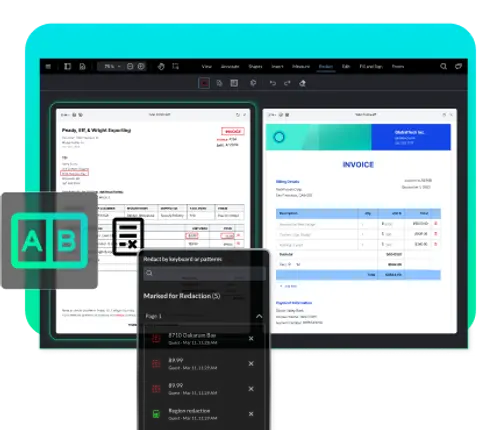
Multiviewer
View multiple documents in a single instance using a side-by-side layout. Synchronize scrolling and zoom to keep content aligned while comparing versions. Users can also interact with documents across views, including search, annotation, and page-level actions.
VIEW MULTIVIEWER DOCS
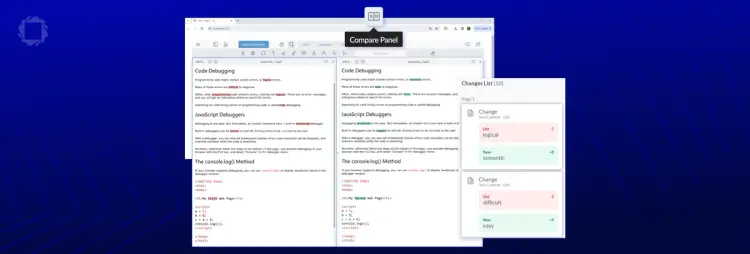
SEMANTIC TEXT COMPARISON
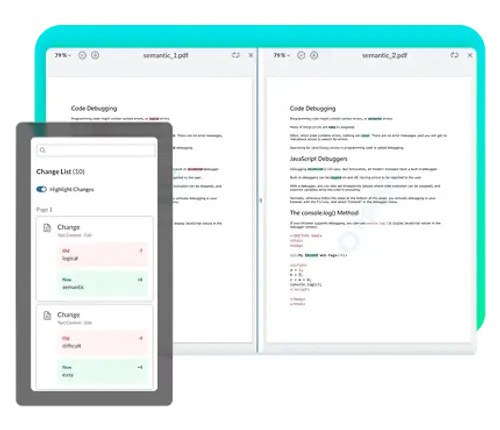
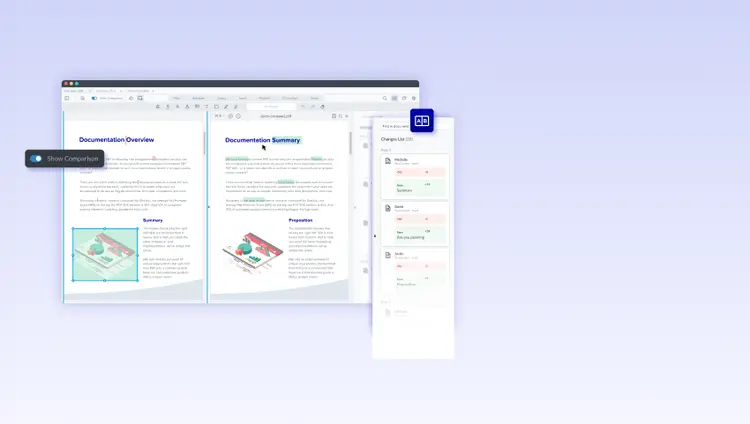
VISUAL COMPARISON
Document Comparison Use Cases

Compare Contract Versions
Compare agreements or policy updates using semantic text diff. Highlight edits in reading order to reduce manual review effort in legal workflows.

Compare PDF Files and Drawings
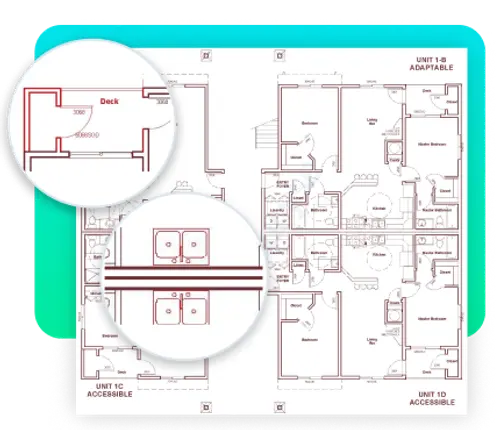
Compare PDFs, plans, or designs to detect layout and formatting changes. Visual comparison highlights differences that text-based methods cannot capture.

Build Custom Comparison Logic
Use pixel-based comparison to define how differences are detected and processed. Integrate results into validation or automation workflows.