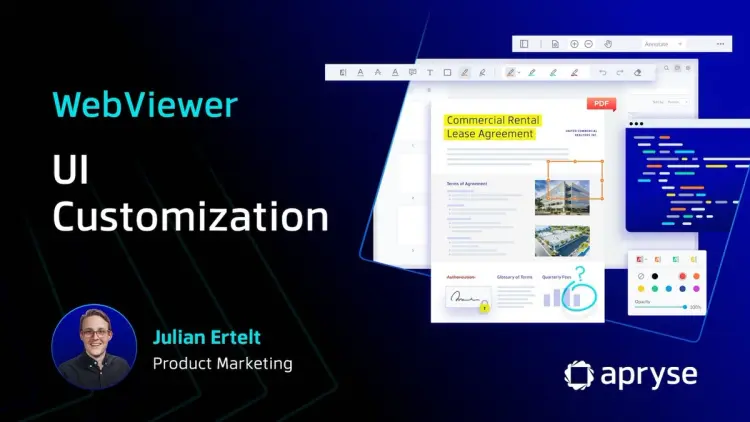
WebViewer UI is Customizable, Modular, and Open Source
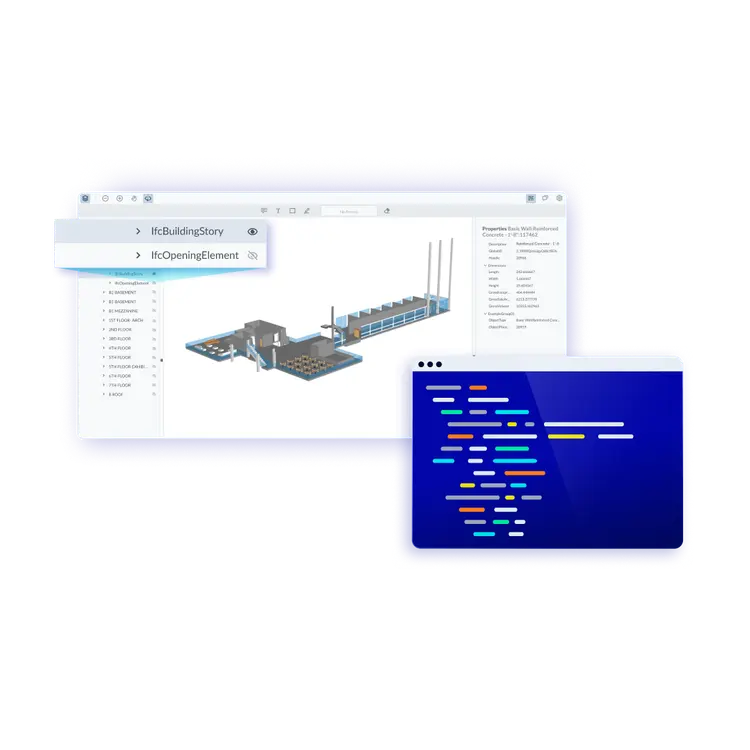
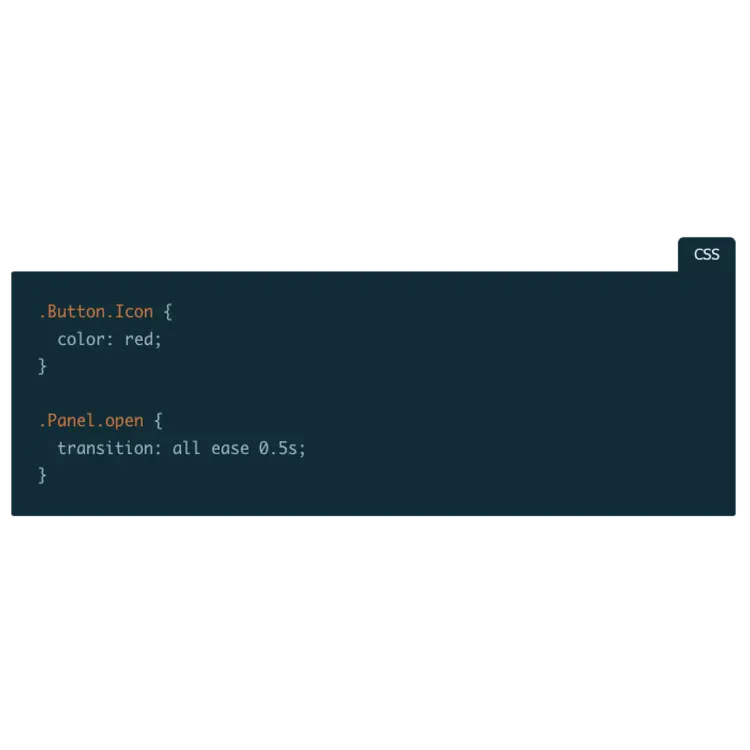
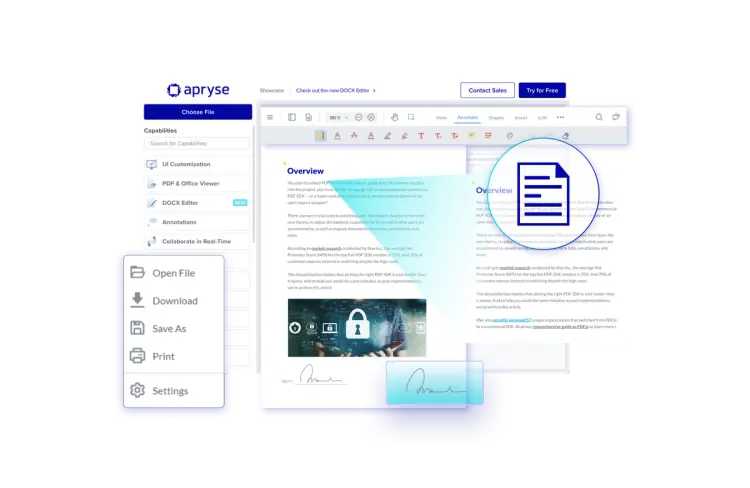
Customize the WebViewer UI extensively with out-of-the-box APIs, modular components or by forking our open-source repository on GitHub. Make it your own with complete control over functionality, behavior, and appearance. Reflect your brand and the user experience you want.
Responsive and Configurable User Interface
WebViewer, a powerful JavaScript-based PDF Library includes an out-of-the-box, customizable and responsive UI that interacts with the core library to view, annotate and manipulate PDFs that can be embedded into any web project.


Customizable, Modular UI
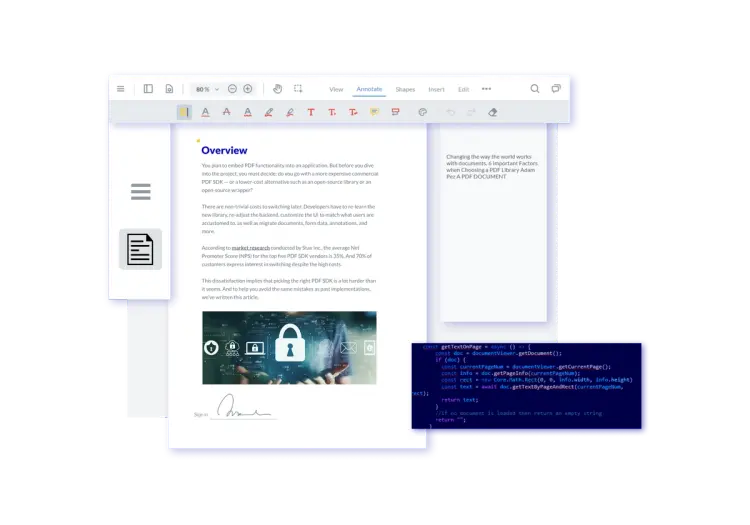
Built in React, the modular design improves the development process by allowing better re-usability, workload handling, and easier debugging processes so you can get the customized look that you want faster. For even more customization, our UI is open source, allowing for full control directly in the source code.




Apryse WebViewer Customizable UI Use Cases

With an open-source UI and the ability to easily customize components in your own code, you can tailor the appearance to fit your requirements.

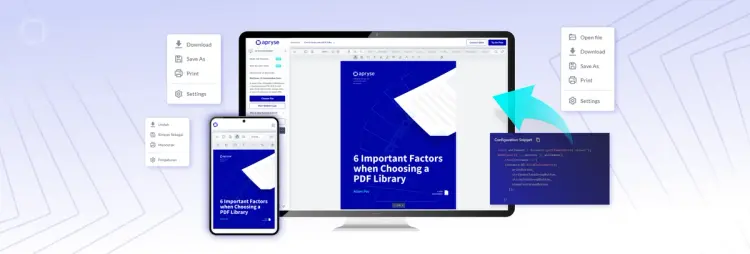
WebViewer UI is responsive, so web apps will have the same user experience and UI across devices, for both mobile and desktop applications. This includes streaming, offline mode, page tiling, compression, and more.

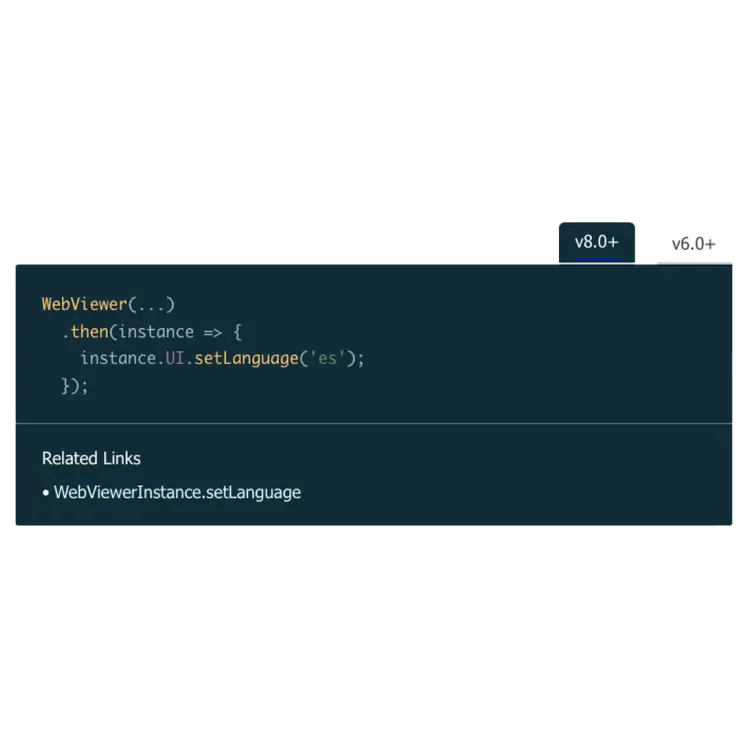
Choose from a wide range of languages to be used in menus and messages, including all major European languages, Korean, Bahasa Indonesian, Chinese, Thai, Japanese, and more.
Customize the UI to Fit your Business
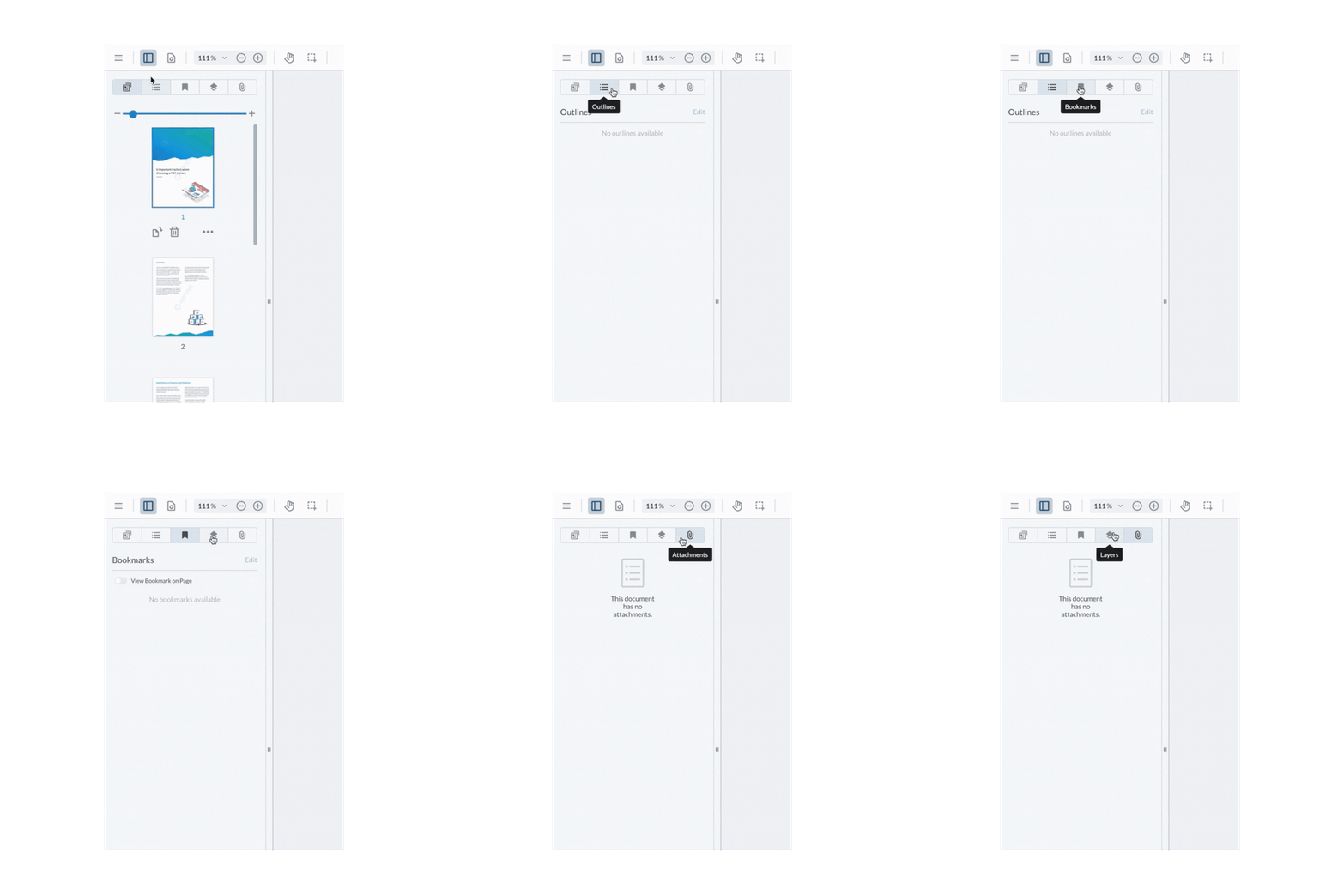
Pre-built and Custom Panels
Add panels on both the left or right of the UI and choose between standalone functionality or consolidate function with a tabbed panel. The UI includes a comprehensive selection of preconfigured panels designed to address common requirements, such as thumbnail manipulation and document outline navigation. Alternatively, create your own custom panels and fit them in seamlessly with