Rachmat Hartano
Published November 23, 2021
Updated May 18, 2026

3 min


Introducing Apryse SDK Support for Go Language
Rachmat Hartano
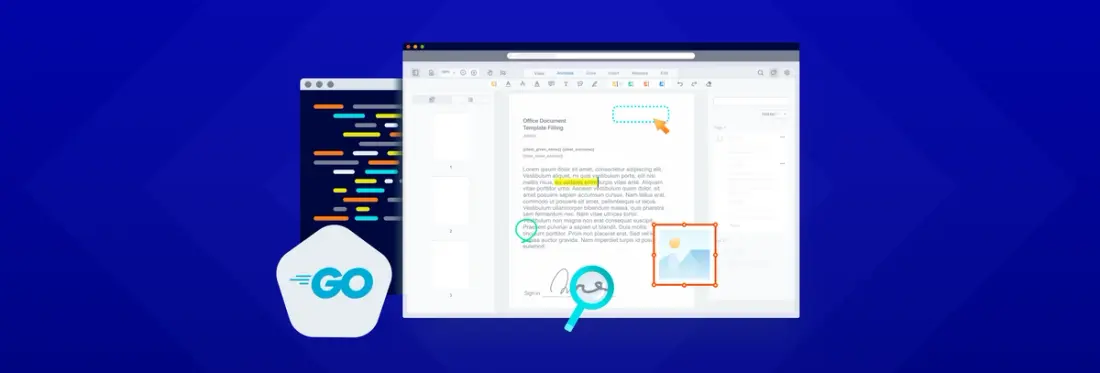

Today, we’re excited to announce support for the Go Language/GoLang. This means Go Developers can now easily add Apryse’s leading, high-quality document creation, editing, printing, conversion, and much more to their applications on Windows, Linux, and Mac.
Given Go’s recent rise in popularity, we knew adding support for a GoLang PDF library would greatly benefit developers when working with PDFs or any other digital documents. The Apryse SDK, a top choice for commercial PDF SDKs, supports functionality for more than 30 file formats.
For detailed guides, sample codes, and other resources, check out our Apryse SDK Go documentation.
What’s Supported with Apryse SDK for GoLang
The Go PDF library package supports all of the Apryse SDK rich document processing functionalities, including:
- Generating PDFs from Microsoft Office documents
- All the standard PDF annotations and custom PDF annotations
- Digital signatures
- Page manipulation
- Editing or merging documents
- Programmatic search
- Redaction
- Document security
- And much more
How to Get Started with Apryse SDK and GoLang
Start using the Apryse SDK and GoLang with just a few lines of code.
- Choose the platform from the Go PDF Library.
- Follow the instructions to download and run the script under the Initial Setup section.
Once installed, you’re good to go, with dozens of unique document processing capabilities at your fingertips. For example, you can generate PDFs from Office documents. You can also create a PDF from scratch, and perform many other document processing actions to optimize and customize your document to taste. For instance:
How to Create a Linearized PDF Document with Apryse Go SDK
This example demonstrates how to create a PDF document containing a blank page and linearize it for fast web view using the Apryse Go SDK.
Create a linearized.go file under go/src/pdftron/Samples/demo folder:
How to Convert PDF to DOCX with Apryse Go SDK
The next example demonstrates how to convert PDF documents to DOCX. You must download Apryse’s PDF2Word Module to enable PDF to DOCX conversion.
Depending on your platform, extract the module above and put it in:
go/src/pdftron/PDFNetC/Lib/LinuxOR
go/src/pdftron/PDFNetC/Lib/WindowsNext, create a pdf2docx.go file under go/src/pdftron/Samples/demo folder:
Wrap Up
Whether you are converting or editing PDFs using GoLang, we’ve got you covered. Our Go Language package supports all of the Apryse SDK’s rich document processing features, such as converting Office documents to PDF, while retaining the same style and formatting as the original document no matter your platform.
We hope you are as excited as we are about this new GoLang support. Feel free to contact us with any questions or suggestions!