
TL;DR
Document generation automates the creation of formatted documents by merging data with templates, saving time and reducing errors at scale. You can run it client-side or server-side, pull data from databases or third-party APIs, and output the finished document to desired format.
The biggest implementation decision is build vs. buy. Building gives you control but carries hidden long-term costs, while a pre-built SDK gets you to production faster with predictable pricing. If you go the buy route, the Apryse SDK supports both client-side and server-side workflows across a wide range of languages and frameworks, and its Fluent add-in lets non-developers author and manage data-connected templates directly in Microsoft Office.

Introduction: Why Document Generation Matters
As an organization, you want to create professional, accurate, and consistent documents. But doing it manually is time-consuming and prone to error.
By using software-based document generation, you can automate the creation of contracts, reports, or proposals to save time, reduce mistakes, and maintain brand consistency across your output.
This guide will help you better understand the technical intricacies of document generation and how to successfully implement it in your own workflows. Whether you’re a manager seeking efficiency gains or a developer tasked with setting up automation, this guide offers the insights, tools, and best practices to get you started.
What Is Document Generation?
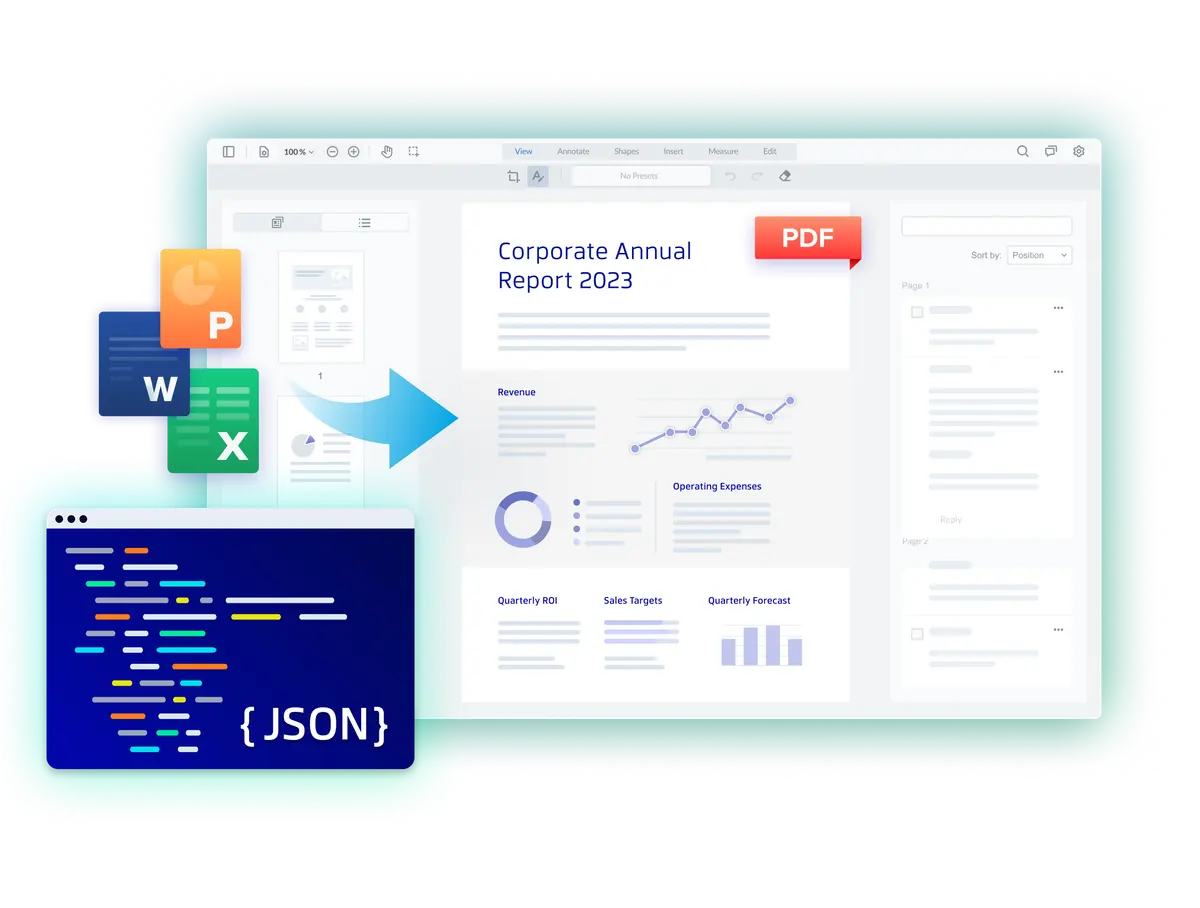
Document generation (sometimes shortened to “docgen”) is the process of automatically creating formatted documents from data using pre-defined templates or programmatic rules.
A template-based approach uses placeholders in a layouted document that are filled with data from an input source. In contrast, programmatic generation involves building documents from scratch through code. This results in dynamic documents whose contents change based on input data. The opposite is a static document with content that never changes unless manually edited, e.g., a product flyer.
Whenever there's a need to create many copies of the same document, but with different content, document generation is the right choice.
Commonly generated documents include:
- Invoices
- Business reports
- Educational certificates
- Contracts and legal documents
- Shipping labels and bills of lading
Key Capabilities and Benefits to Look for in a Document Generation Solution
CLIENT-SIDE AND SERVER-SIDE SUPPORT
A robust solution lets you choose where generation happens, whether in the browser for lightweight, on-demand use cases, or on the server for resource-intensive or compliance-sensitive workflows.
OUTPUT FORMAT SUPPORT
The solution should be able to generate documents in PDF and DOCX formats from a single template and pipeline.
TEMPLATE-BASED GENERATION
The best solutions decouple document structure from application code, allowing templates to be updated independently of the underlying system.
INTEGRATION FLEXIBILITY
The solution should support API-based, event-driven, and embedded integration patterns, adapting to how and when documents need to be generated.
COMPLIANCE AND DATA SECURITY
Enterprise document generation often involves sensitive data. The solution should support encryption, access controls, and audit trails out of the box.
Developer Enablement
The solution should offer comprehensive APIs and SDKs that allow the technology to be easily integrated into existing applications and workflows.
ENTERPRISE-GRADE PERFORMANCE AND SCALABILITY
The solution should handle high document volumes reliably, without performance degradation during peak demand.
Technical Aspects of Document Generation
The first question you should answer before implementing document generation is whether you want it to run client-side or server-side.
With a client-side implementation, generation takes place on-device, either in an application or in the user's web browser. This keeps data local: files never leave the user's machine, which simplifies compliance with regulations like GDPR or HIPAA since there is no transmission to secure or third-party storage to account for. It also removes backend infrastructure and network latency from the equation.
In contrast, server-side document generation happens on the backend, which the user application connects to. This is useful if generation is resource-intensive and you cannot guarantee that the end users' devices can handle it. But it also means that data is being transmitted over the internet, subjecting it to data compliance requirements such as encryption and regulatory standards like GDPR or HIPAA.
Software Architecture
At its core, every document generation system follows a similar pattern: accepting input data, applying transformation rules, and producing formatted output.
The document generation process typically begins when a request arrives specifying which template to use and what data to include. The system then fetches data from a database or API, validates and transforms it, and compiles the template into an executable form, which can then be exported to the final format (e.g., PDF or DOCX).
Document generation systems can be integrated in various ways. API-based services accept REST or GraphQL requests and return documents synchronously or via asynchronous job identifiers. Event-driven architectures trigger generation automatically via webhooks or message queues when business events occur. Embedded libraries run within application processes for tight integration, while service-based architectures isolate generation in scalable microservices.
Choose API-based integration when users explicitly request documents on demand, event-driven when generation should happen automatically in response to system state changes, and embedded libraries when you need maximum control over the generation process
Input Sources
There are four primary input sources that you can use to generate dynamic documents:
- Structured data (JSON)
- Data stored in relational (SQL) and non-relational (NoSQL) databases
- Data from third-party integrations, e.g., with CRM and ERP systems
- User input (if not first stored as structured data or in a database)
For structured data, a common scenario is uploading a JSON file, which supports complex nested data structures and is a good fit for documents that require hierarchical information, such as orders with line items or reports with multiple sections.
Relational and non-relational databases serve as the primary data sources for most enterprise document generation systems. When a document is requested, the system typically executes one or more database queries to retrieve the necessary records, such as customer information, transaction history, or product details.
You can also pull data from third-party integrations of CRM, ERP, and similar systems via API calls. Rather than storing duplicate data locally, these systems fetch fresh information at generation time, e.g., customer details from Salesforce, financial transactions from Stripe, or project data from Jira. A common architecture is to fetch and aggregate data from multiple external sources in parallel during the data preparation phase, then merge everything into a unified context object that the template can consume.
Web forms and interactive interfaces can take user input and immediately feed it into document generation workflows. The data is typically submitted via POST request to the generation endpoint, where it's validated against expected schemas before being passed to the template. This approach requires careful input validation and sanitization, since user-provided data can contain unexpected characters, excessively long strings, or even malicious content attempting injection attacks.
Output Formats
Output the finished document to desired format.
PDF is the most common output format because it preserves exact layouts across all devices and operating systems. This makes it ideal for invoices, contracts, reports, and any document where appearance must remain consistent.
DOCX (Microsoft Word format) is the right choice when recipients need to edit the document after generation. This includes templates, proposals, or collaborative documents where the generated version is just a starting point. Excel and Powerpoint outputs can also be generated.
A less common output format is HTML, which is mainly useful for viewing the document in the browser or inside a web application. However, it’s less consistent in how it appears to the user.
Customization
Another key consideration before deciding whether to build or buy is how unique your use case is and whether a pre-built solution will suffice for your needs.
If you require a high degree of customization, you have two options: Build everything from scratch or choose a vendor that designed its solution with customizability in mind. High-quality pre-built software comes with a default user interface and business logic that can still be adapted to a wide range of use cases. Use your proof-of-concept phase to thoroughly test the available customization options and ensure you can fine-tune the solution to your exact preferences.
Implementing Document Generation
Now that you're aware of the various approaches available to you with document generation software, it's time to look at how to implement it in your workflows. The most important question at this point is: Should you buy an existing solution or build your own?
Build vs. Buy
After you've settled on your requirements for document generation, the next question is whether to build the necessary tools yourself, e.g., using existing open-source libraries, or license a proprietary solution.
To arrive at an answer, you need to consider your budget, timeline, ability to maintain your code, and customization needs.

Budget
Developing an in-house solution will require your developers to shift time away from their current projects. Hiring freelancers can mitigate the impact on your daily business, but vetting and briefing them can be time-consuming as well.
Once your solution is running in production, your team still needs to allocate time for maintenance, such as updating software dependencies and fixing security issues. Any new feature you'd like to implement will once again take away resources from other tasks.
All of this makes the actual costs of building your own solution hard to predict. In contrast, you'll know the licensing fee of a proprietary solution up front and can plan your budget accordingly.
Timeline
A key factor in whether to build or buy is your desired time-to-market. A pre-built solution can be integrated in a matter of weeks or even days, whereas custom development can take months, especially if you're aiming for feature parity with an existing tool.
If you decide to go with a vendor, allocate sufficient time for your proof-of-concept phase. Testing the solution thoroughly and resolving any questions this might raise avoids unforeseen roadblocks when moving to production.
Code maintenance
Without regular maintenance, a codebase gradually shifts from being an asset to becoming a liability. As security flaws surface in your project's dependencies and bugs surface in your solution's code, updating its code will become a high priority for your team, especially if your solution is accessible over the internet.
With a pre-built solution, this responsibility falls to the software vendor. Bug fixes and feature updates are often bundled together into monthly or quarterly releases, with changelogs that provide detailed information about exactly what has changed. If the software is hosted and managed entirely by your vendor, you will have little involvement in the update process. Otherwise, set some time aside for each release to integrate it into your implementation.
Real-World Examples
Document generation is streamlining workflows across a wide range of industries.
Finance
Finance teams can automatically generate invoices, financial reports, and compliance documents by pulling data directly from accounting systems and transaction records, reducing manual effort and the risk of errors at month-end or quarter-end close.
Legal
Law firms and in-house legal teams can generate contracts, NDAs, and compliance documents from pre-approved templates populated with client and transaction data, ensuring consistency and accelerating the review and signing process.
Human Resources
HR departments can automate the creation of offer letters, onboarding packs, and benefits summaries personalized to each new hire, freeing up time that would otherwise be spent on repetitive document preparation.
Logistics
Shipping labels, bills of lading, and customs documentation can be generated automatically from order and shipment data, reducing processing time and minimizing the risk of errors that can cause costly delays.

Reasons to Choose the Apryse SDK for Document Generation
If your build vs. buy analysis points you toward a proven, off-the-shelf solution, Apryse is worth a close look.
The Apryse SDK supports both client-side and server-side document generation, giving you the flexibility to choose the architecture that fits your requirements. You can generate PDFs directly from JSON data while preserving reflow, dynamic tables, images, and styles.
Beyond generation itself, the SDK covers the full document lifecycle: adding digital signatures, redacting sensitive information, converting to formats like PDF/A for long-term storage, and embedding best-in-class form functionality across web, mobile, desktop, and server applications.
Learn More >
Let's take a closer look at how you can integrate Apryse's document generation capabilities into your workflows.
How to Get Started With Apryse
To generate documents with Apryse, you have two options:
- The Apryse Web SDK for building a client-side application
- The Apryse Server SDK for setting up a server-side integration
- Fluent simplifies the creation of reports and templates at scale with minimal coding required.
Choose your preferred web framework (React, Angular, Svelte, etc. or server language (Java, Go, Python, PHP, Ruby, etc.) and you're good to go.
Preparing the Document Template
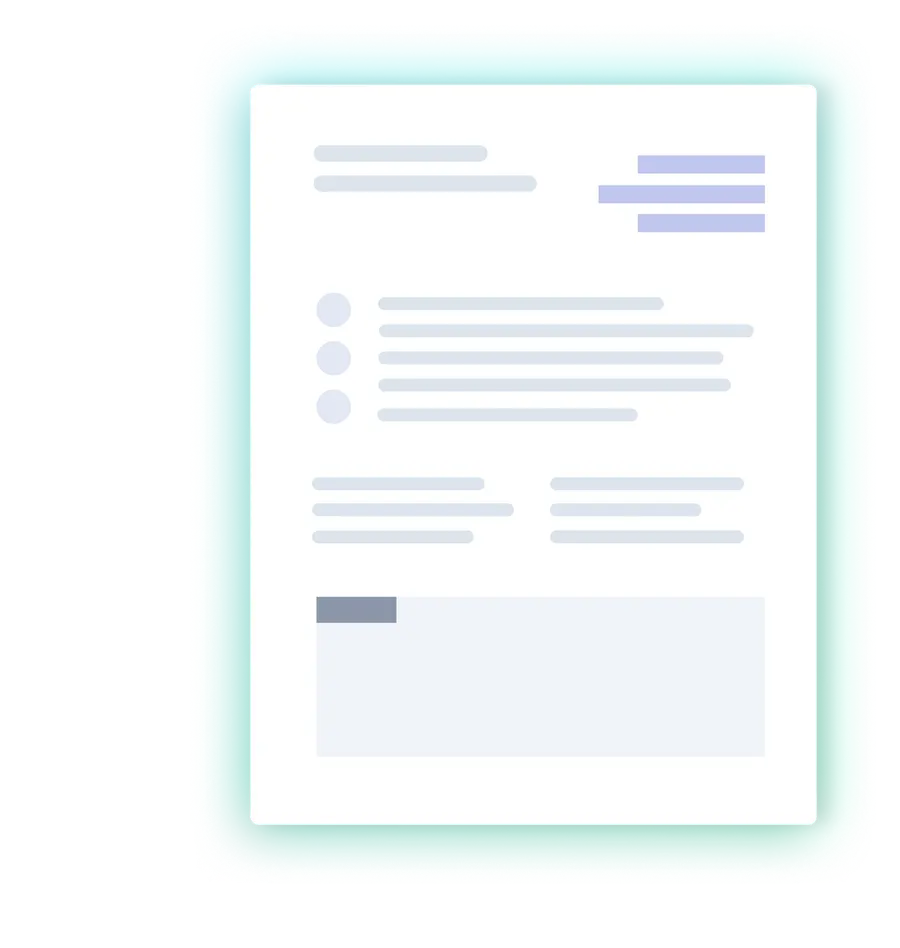
You can prepare the template from which your documents will be generated in DOCX, XLSX, or PPTX file format.
To define placeholder content, decide on a unique key (e.g., invoice_number) and wrap it in double curly brackets, like this: {{invoice_number}}
Every key will have an equivalent in the data you provide for populating the placeholders. This data can be text strings, images, QR codes, Markdown, and even control structures like loops, conditionals, and operators. Try the online demo to explore these possibilities.
If your team already works in Microsoft Office, Apryse's Fluent add-in takes template authoring a step further than simply typing placeholder syntax into a document. It enables you to visually map template fields to data sources, configure loops and conditionals, and preview results from within Word, Excel, or PowerPoint, without writing code. Once Fluent is deployed, end users can create and update templates entirely on their own, freeing your development team from routine change requests every time a template needs adjusting.
Preparing the Input Data
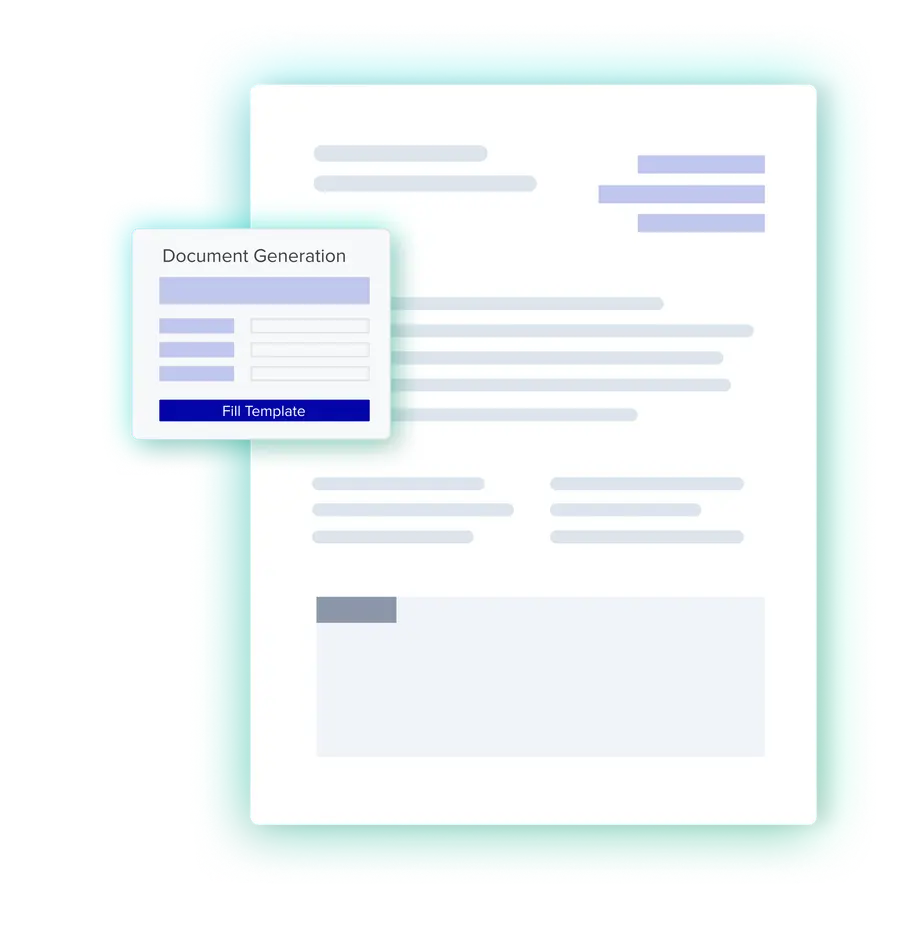
After you've created the document template and defined all necessary placeholder keys, you need to ensure all keys have counterparts in the input data. The most straightforward format for this is JSON.
To give a simple example, say you want to generate a document that contains an employee's information. You've added placeholders for their first name, last name, role at your company, etc., to the document template and now need to ensure all of them are also present in the JSON you'll use as input.
{
  "first_name": "John",
  "last_name": "Doe",
  "role": "Lead Software Engineer",
  "department": "Engineering",
}
Remember, in the document template, these keys would appear as {{first_name}}, {{last_name}}, and so on.
If you don't know in advance how many entries of a given key the generated document will have, you'll need to nest the entries, like in this example for an invoice:
{
  "items": [
    {"item": "Monitor", "charge": "$249.90"},
    {"item": "Keyboard", "charge": "$39.90"},
    {"item": "Mouse", "charge": "$29.90"}
  ],
}
In the document template, you will then need to use {{loop items|}{{endloop}} syntax to iterate through the items.
Merging Input Data and Document Template
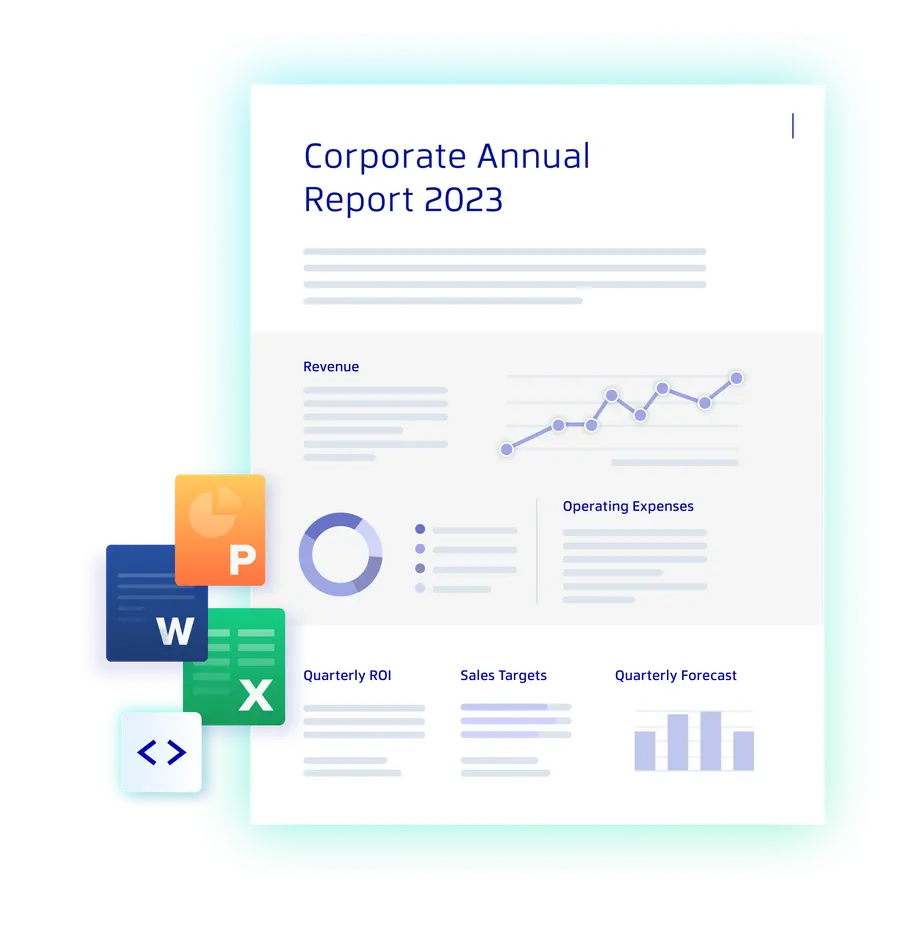
In the final step, the Apryse SDK creates a document from the template and applies the values from the JSON structure to the document. The result is a fully populated document in which all template placeholders have been replaced with data values, which can then be saved as a PDF or DOCX file.

Conclusion
Document generation is an investment that pays off quickly. Once your templates are set up and your data sources are connected, what used to take hours of manual effort happens in seconds at any scale.
The decisions that matter most are the ones you make early: client-side or server-side, build or buy, which output formats to support. Getting these right from the start saves you from costly rework down the line. Use the frameworks in this guide to evaluate your requirements honestly, and don't underestimate the long-term cost of maintaining a custom-built solution.
If you're looking for a proven starting point, the Apryse SDK offers both client-side and server-side options, supports a wide range of languages and frameworks, and handles the complexity of template rendering so your team doesn't have to.
Get started implementing document generation in your workflows with a free trial of the Web SDK or Server SDK. You can also contact our sales team to discuss your specific use case.
