Laura Massingham
VP, Product Marketing
Published March 17, 2026
Updated October 08, 2026

3 min


How to Deliver a Contract Workflow in Your Web Application. No Third Parties Required
Laura Massingham
VP, Product Marketing
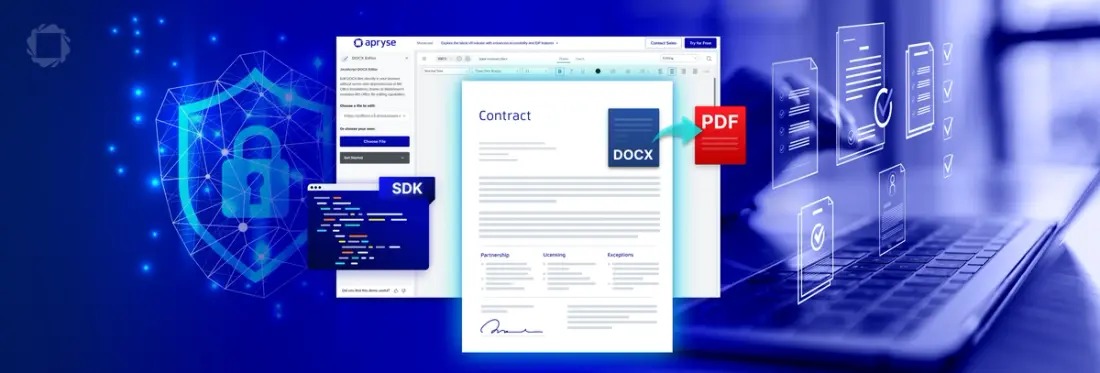
Summary: This blog offers a walkthrough of a contract lifecycle demo built on WebViewer. It covers what each step uses, where your code takes over, and where the SDK stops.
Contracts hold pricing, terms, and personal data, and they rarely stay inside your platform. Your users download a template, edit it in Word, email it to legal, and upload the signed copy back into the CRM. Every hand-off puts a confidential document outside your app, creates another version to reconcile, and slows the deal down.
The usual fix is a stack of third-party tools: a Word editor, a PDF converter, an e-signature service. You pay for that stack three times: in licenses, in integration work, and in users switching apps mid-review. If you sell to regulated buyers, each tool is also one more line on a security questionnaire.
Whether you build in Salesforce, Appian, or a custom internal app, the goal is the same. Keep the document work inside the app your users already have open, so they can:
- Draft contracts from a template without downloading a file
- Review with comments and tracked changes
- Fill templates with data from the business record
- Sign without exporting, emailing, or switching tools
What We Built: Contract Lifecycle Workflow with WebViewer
To demonstrate what’s possible with the Apryse SDKs, our team built a contract workflow using WebViewer, our client-side, JavaScript SDK. The demo showcases how developers can bring contract creation, review, and signing into any web-based workflow quickly and securely.
In this video, we demonstrate a workflow that includes:
Contract Authoring & Collaboration
- Load a DOCX contract template directly in WebViewer
- Live editing and redlining for collaborative changes
- Comments and track changes to facilitate the review cycle
Population of Templates with Real Data
- Auto-fill placeholders using structured JSON data
- Monitor updates/changes inside WebViewer
- Convert the completed DOCX into a final PDF contract
In-App Contract Signing
- Enable secure eSignature directly in the viewer
- No need to export, email, or download files
- The sample document powering this demo: a standard NDA.
Where WebViewer Stops and Business Process Begins
WebViewer handles the document. Your app handles the contract. That means your platform owns:
- Routing the contract to legal, finance, or leadership
- Approval rules and who is allowed to sign
- Storage, version history, and retention
- Notifications and your audit trail
Why WebViewer: Developer Advantages for Embedded Contracts
Requirements | How WebViewer Supports It |
|---|---|
Embedded authoring within CRM, automation platform, or custom app | Runs entirely in-browser. No MS Office or plugins are required. Author the contract in DOCX, upload branded templates, and convert to PDF for distribution. |
Redlining and comments for legal teams | WebViewer supports editing, track-changes, annotation, and version history for DOCX, PDF, and spreadsheets. |
Approval and signing in-app | Digital signatures, time-stamp validation, role-based viewer configuration. |
Security + compliance | No external uploads; it’s deployable on-prem or in secure cloud, audit trails, and version control. |
Accessible and customizable UI | The UI is modular, customizable, and accessible. Customize the viewer to fit the branding and user experience you want. You can also choose the controls, permissions, style, and more. |
Additional capabilities available, but not mentioned in the video, include:
- Page manipulation: Merge terms and conditions, split, reorder, and delete pages to organize final contract files for distribution.
- Document archiving: Convert final, signed contract to PDF/A, and compress for long term storage in compliance with regulatory requirements.
- Redact sensitive data: Permanently delete sensitive data from PDFs, images, and Microsoft Office files.
- Search: Use advanced regex to search across contract pages. Find the exact position of text on pages and highlight all matches in your browser.
Developers usually have to stitch together multiple external services to support the demonstrated contract lifecycle: Word editors, PDF converters, email-based signing tools. All of these introduce security risk, context switching, and compliance gaps.
With WebViewer, contracts workflows can live in your application from creation to signature. Developers can enforce role-based access, control lifecycle logic, and trigger downstream automation with a single, well-documented, and trusted toolkit.
Try It
Clone the demo source on GitHub. Get a trial key at dev.apryse.com. Start with the DOCX Editor setup guide. Want to click through first? Open the interactive demo.