Architecture & Platform Support
Apryse SDKs support secure, in-app document workflows across multiple formats, platforms, and deployment environments.
Dependencies
In-app editing reduces reliance on external PDF or Office software
Deployment
Client-side or on-prem deployment keeps documents within your environment
Security
Built with SOC 2-aligned development practices
Multi-Format
Support for PDF, DOCX, XLSX, and more
Multi-Platform
Cross-platform support for web, desktop, and server environments
Languages
Language support including JavaScript, .NET, Java, Node.js, and Python
Accessibility Built-In
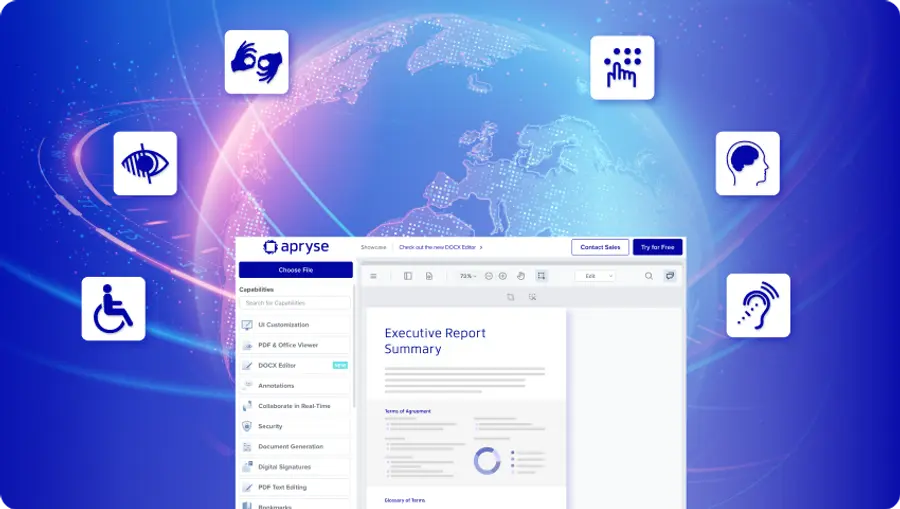
All Apryse editing capabilities are built on WebViewer’s WCAG 2.2 AA-compliant UI. Accessibility comes built-in, so developers can deliver inclusive document experiences that meet regulatory requirements for accessibility without extra work.
UI-Based & Programmatic Editing Solutions
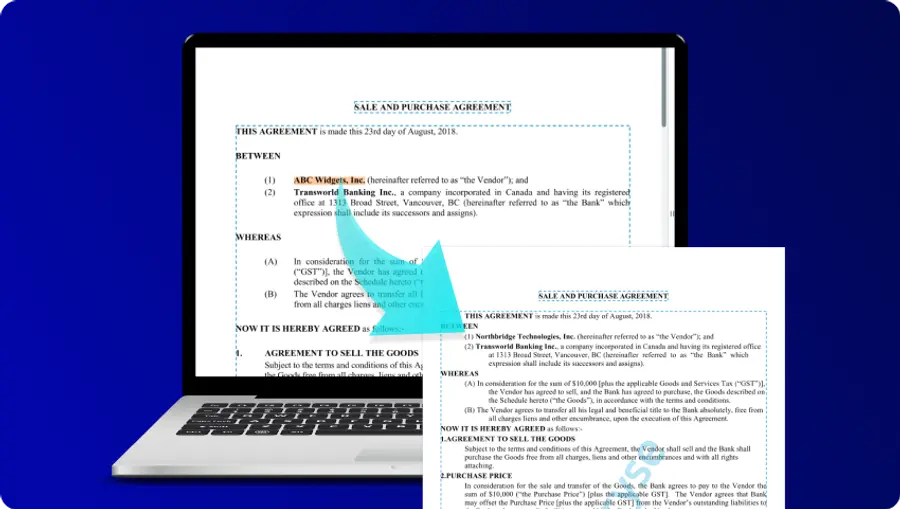
Apryse Web and Server SDKs support both UI-based editing that allows users to work directly in the browser, and also programmatic editing for making document changes at scale. The Apryse specialized editors provide interactive, in-app editing for PDF, DOCX, and spreadsheet workflows. Programmatic editing complements these experiences behind the scenes through automation, batch updates, and advanced PDF processing.
Specialized PDF and Office Editors
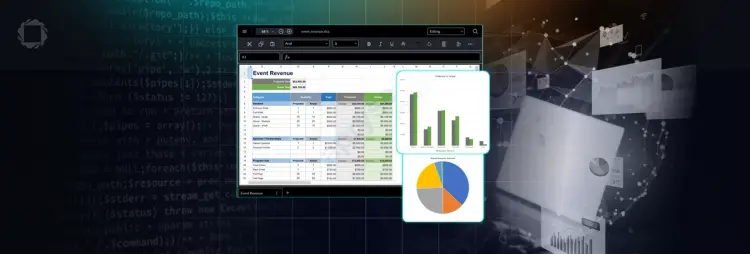
WebViewer enables advanced in-browser editing for PDF, DOCX, and spreadsheet workflows. Each editing capability supports file-specific editing behaviors that align with how users work in native tools such as Office and Adobe Acrobat, while maintaining a consistent, accessible experience inside your application.
In-App Document Editing
PDF EDITING
PDF Editing
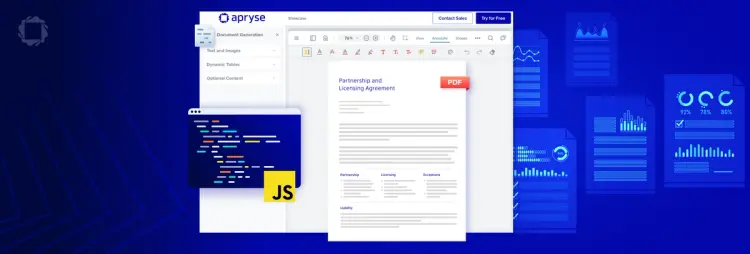
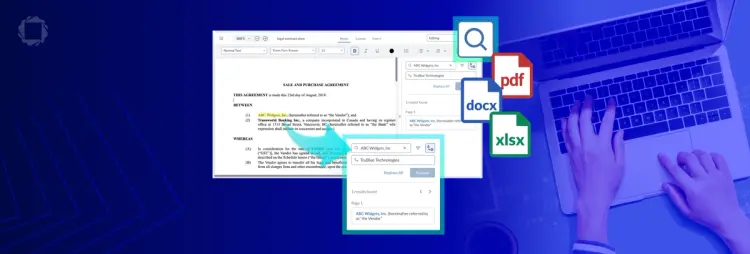
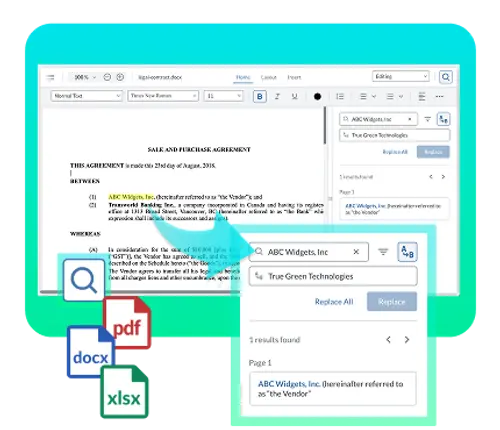
Enable in-app PDF editing with text and image updates, page-level manipulation, and secure redaction. Extend functionality with programmatic APIs for automated search and replace, XLIFF-based translation workflows, and full document control—including adding, removing, and rearranging pages. For advanced use cases, access the low-level PDF object model (COS/SDF) for precise control over document structure.
EXPLORE PDF EDITING CAPABILITIES
DOCX EDITOR
SPREADSHEET EDITOR
Related Editing Capabilities To view information about add-on capabilities such as semantic text comparison, digital signatures, and file conversion, visit the Apryse Feature Chart.
DOCUMENT EDITING FAQS
UI-based editing allows users to edit documents directly in the browser. Programmatic editing enables automated document changes without user interaction.
These editors extend WebViewer, the Apryse Web SDK, to add file-specific editing capabilities for PDF and Office documents.
No. These capabilities allow users to edit documents within your app and are not intended to replace full productivity suites like Microsoft 365 or Google Workspace.
Search and replace is available in-browser and programmatically. Advanced workflows like XLIFF reflow and low-level PDF object model editing are available through programmatic editing.
Editing capabilities are available as licensing add-ons to the Apryse Web SDK. Teams can start with document viewing and progressively enable editing features without reworking their existing viewer integration.