PDF SDK Blogs

How Apryse and LibreOffice Compare for Office-to-PDF Conversion at Scale
Compare Apryse and LibreOffice for DOCX-to-PDF conversion. See benchmark results for speed, fidelity, and reliability across 184 modern and older files.
October 14, 2026
Read More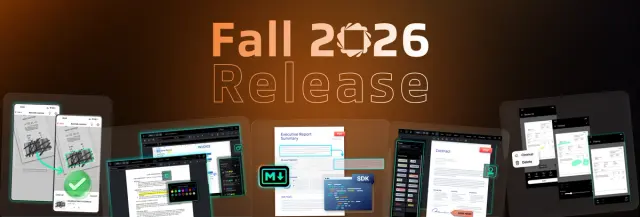
Apryse Fall Release: Markdown Output, Highlighting, and Faster Document Editing
The Apryse fall release ships new capabilities across Web, Server, and Scanbot SDKs: comments, highlighting, vector stamps, generation, and Markdown.
October 07, 2026
Read More
Document SDK vs. Basic PDF Library: What Growing Teams Should Know
Compare a basic PDF library, a point API, and a full document SDK and learn the signs your growing app has outgrown open source. See which scales.
August 12, 2026
Read More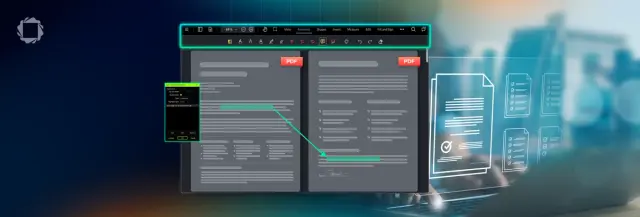
Beyond GoToR — Adding Highlights
Learn how to build GoToR links in Apryse WebViewer that navigate to another PDF and highlight selected text with custom data.
August 06, 2026
Read More
Do You Need a Full PDF SDK Just to View PDFs?
Compare lightweight PDF viewers with Apryse WebViewer to see when a full PDF SDK is the better choice for growing document workflows.
August 05, 2026
Read More
Benchmarking PDF Extraction: Why “Best” Depends on What You Measure
Learn how to benchmark PDF extraction tools using fair evaluation methods, representative test corpora, and meaningful accuracy metrics.
August 11, 2026
Read More