
Streamline Document Processing in Salesforce
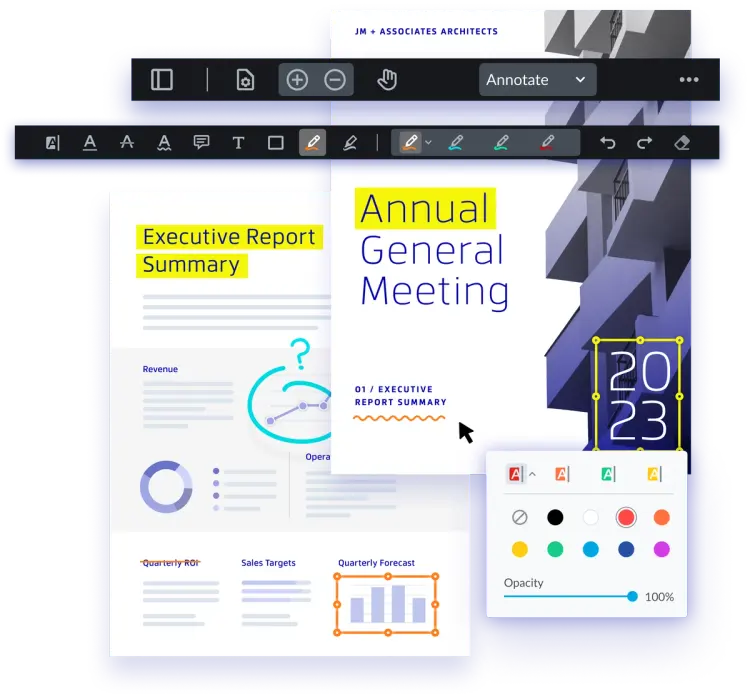
View, annotate, fill, redact, and sign documents on the record. No separate e-sign or PDF app, and no third party handling your files.




Salesforce Integration Use Cases
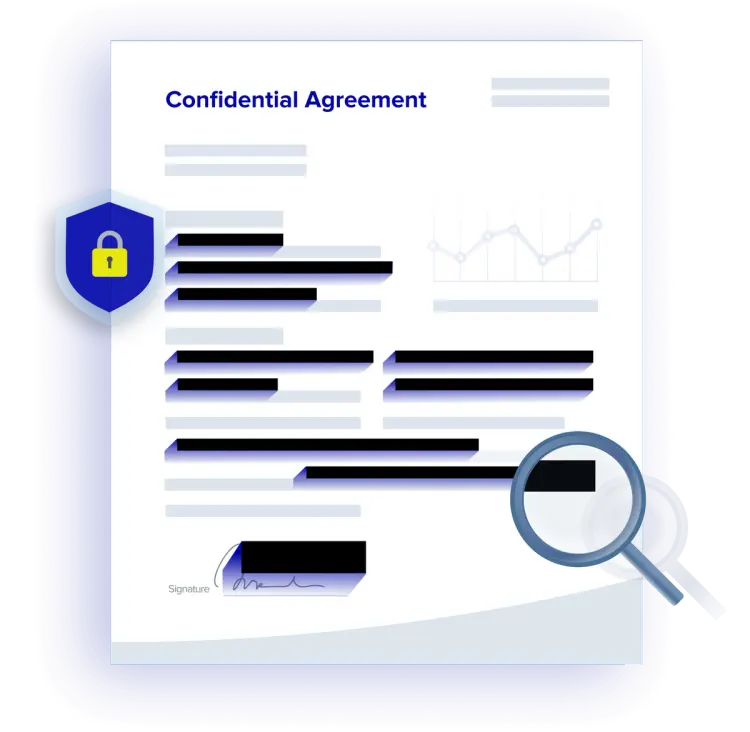
Agents view, search, and redact case files inside a Lightning Web Component, without downloading them. Your case flow routes the record. WebViewer is where agents review it and remove sensitive data.

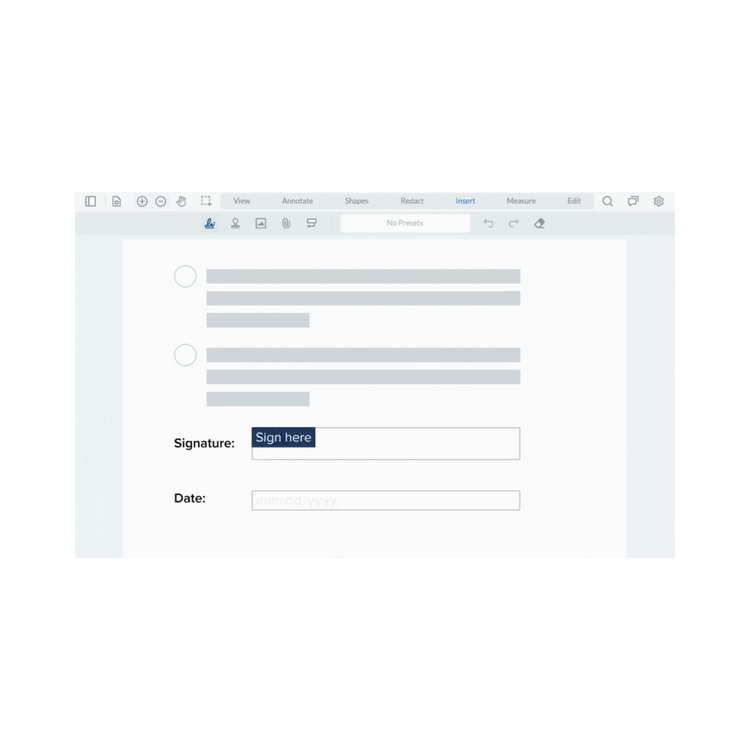
Enhance Salesforce's native contract management with the WebViewer SDK for template generation, editing, and signing. Your org handles approvals and moves the contract forward once it’s signed.

Generate offer letters and agreements from templates, pre-fill them with Salesforce data, and collect signatures on the same record. New hires never leave your Salesforce experience. Design a complete workflow in Salesforce without relying on external apps and dependencies.
Support Endless Use Cases in Salesforce
Client-side Viewing & Generation
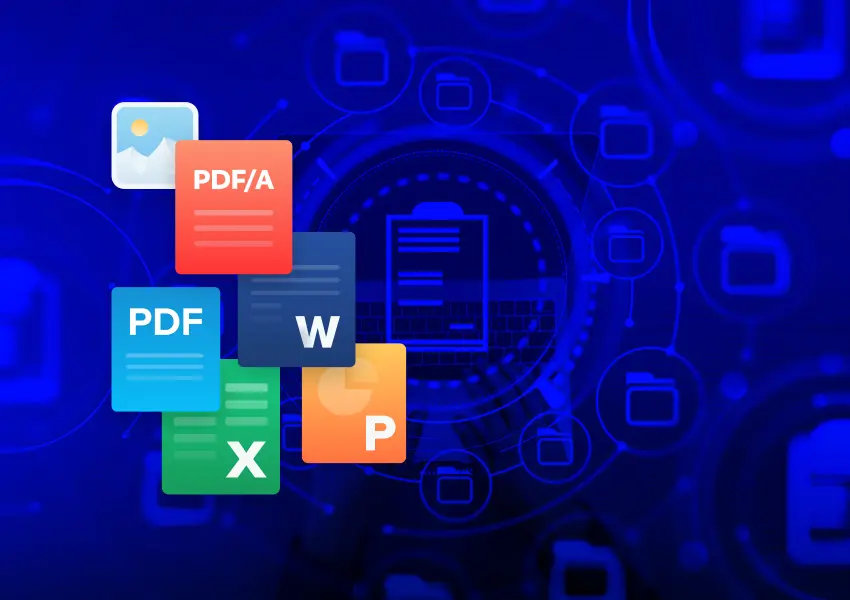
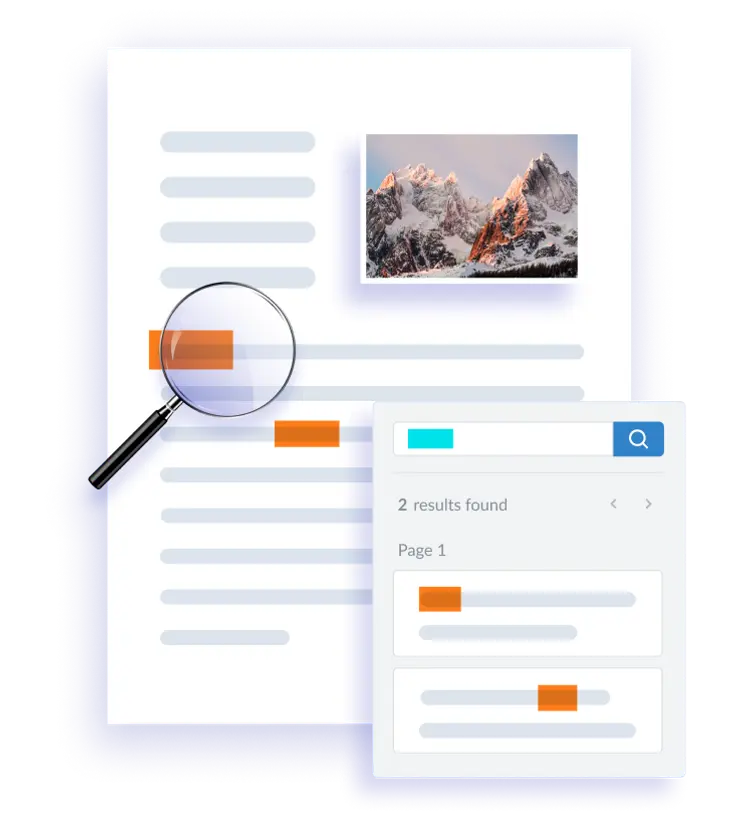
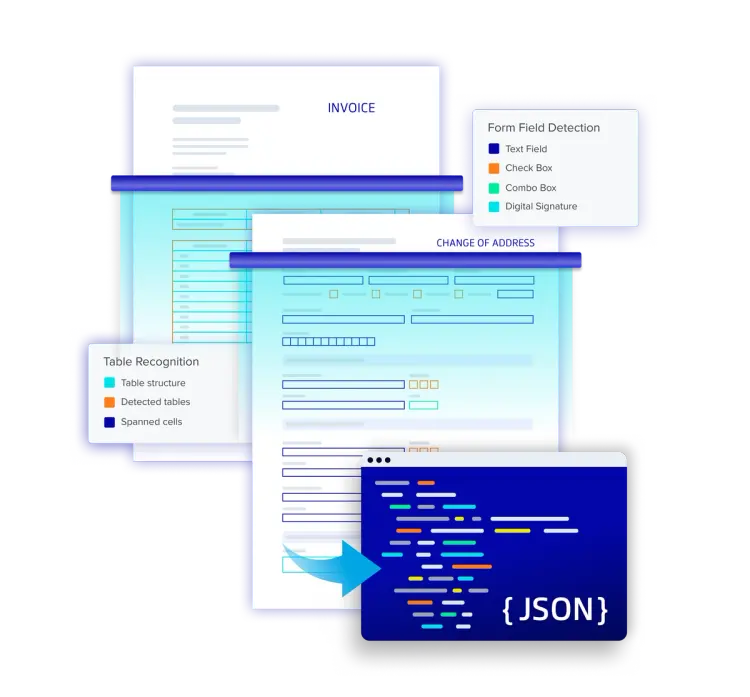
Compatible with all frameworks and browsers, WebViewer delivers the highest quality document rendering, generation, and conversion capabilities through a single, customizable component. Supports PDF, Office, and image files in the browser, delivering exceptional usability and functionality trusted by thousands.
Semantic Document Comparison
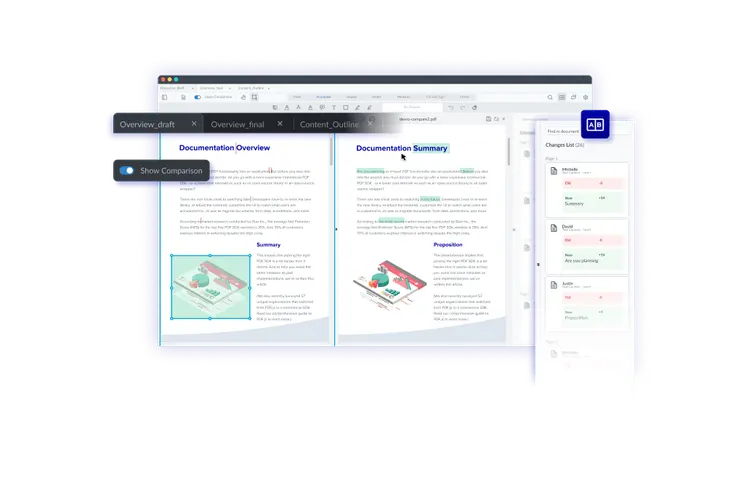
Add custom, intuitive document comparison to an existing application. Compare versions side-by-side or in a single page view mode, and toggle between page view modes. Highlights capture all changes, even in complex documents and even when a change spans two pages, or when an entire page is deleted.
Apryse WebViewer + Salesforce FAQS
RESOURCES
Learn more about the Apryse WebViewer and Salesforce Integration

Webinar: Apryse + Salesforce: Native document viewing, generating, collaborating and signing capabilities

Video: PDF and DocX viewing and editing in Salesforce

Video: PDF Redaction and GDPR with the PDF Association

Blog: Review and Approve Document Natively in Salesforce

How to Make FOIA Request and Redaction Workflows 100% Salesforce-Native
How to Review and Approve Documents Natively in a Salesforce App
Get more done without leaving Salesforce
Download our latest eBook and learn how to power full document workflows directly in Salesforce, all without third-party dependencies. What's Inside:
Common challenges with PDFs and templates in Salesforce environments
How AI-powered SDKs solve layout, signing, and extraction issues
How to get started with Apryse WebViewer SDK in Salesforce
