Laura Massingham
VP, Product Marketing
Published October 07, 2026
Updated October 07, 2026

5 min


Apryse Fall Release: Markdown Output, Highlighting, and Faster Document Editing
Laura Massingham
VP, Product Marketing
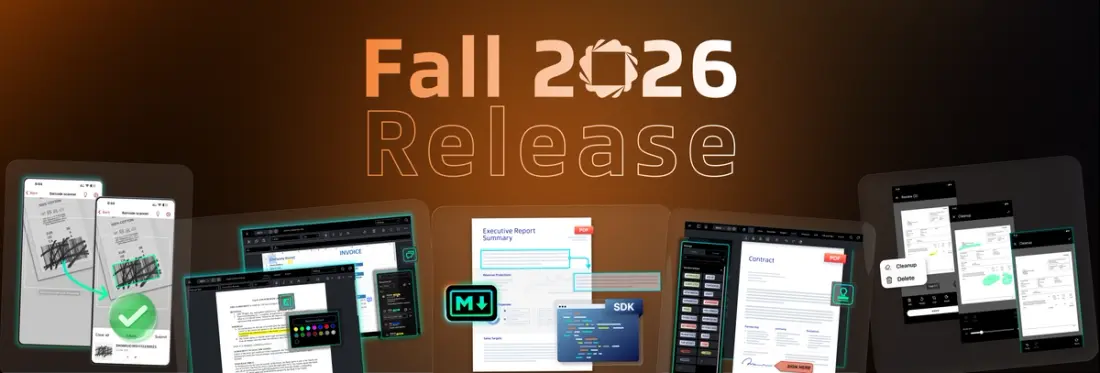
Across Web, Server, and Scanbot SDKs, this release trades custom workarounds for built-in capabilities.
This fall's release is a handful of features and a few fewer workarounds you'll need to build yourself.
Across the Web and Server SDKs, things that used to require per-editor workarounds, downstream conversions, or low-level drawing code are now handled inside the SDK itself. Highlighting is now available in DOCX Editor, and comments extend to Spreadsheet Editor, so you're not building a separate review workflow for every file type. Content Edit in WebViewer and search and replace in DOCX Editor both get faster. AEC workflows get easier, with vector stamp support and better stamp management. On the Server side, full document generation and Markdown extraction come straight out of the SDK, so you're not converting or hand-coding what comes out the other end.
The Scanbot SDKs make real-world capture hold up better, too. Barcode Reconstruction recovers codes that are scuffed or torn. Document Cleanup removes fingers, marks, and hole punches from scans, the stuff that used to fail outright or get kicked back for manual entry. Android 17 now requires landscape support for large-screen layouts, tablets, kiosks, foldables, and ChromeOS, and this release adds it.
Web SDK: More Consistent Review Across Editors
Commenting now shares the same Notes Panel UI across WebViewer, DOCX Editor, and Spreadsheet Editor. Highlighting reaches DOCX Editor too, using the same interaction pattern as WebViewer.
- DOCX Editor gets a highlight tool. A lightweight way to flag text without opening a full comment thread or tracked change, the same quick markup already available in WebViewer.
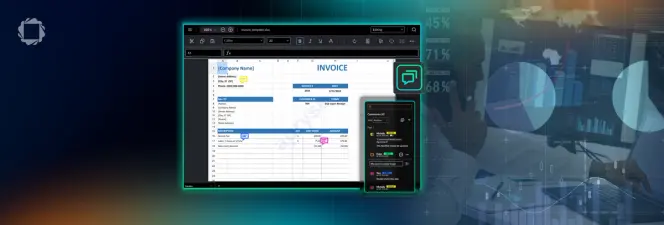
- Spreadsheet Editor adds comments. Same Notes Panel as WebViewer and DOCX Editor: threaded, cell-level, and available through both UI and API. Legacy Excel Notes convert automatically, so comment history isn't stranded when a workbook moves into Spreadsheet Editor. (Note: .xls files are the exception, those don't carry over.)
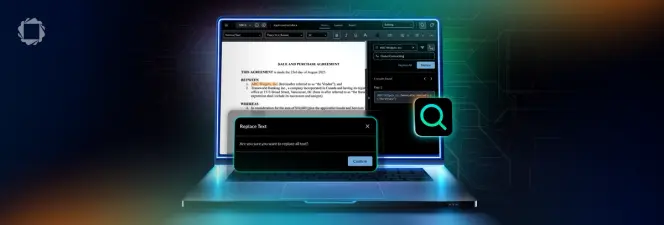
- Content Edit in WebViewer and search and replace in DOCX Editor are also faster. Search and replace no longer runs on a manual frontend implementation, which was the actual bottleneck on long documents.
- Field navigation for signing workflows gets easier too, if you're building a custom e-signature experience on WebViewer.
- And finally, AEC workflows get three upgrades. PDF content can now be imported directly as vector stamps, so custom symbol libraries hold their fidelity instead of rasterizing when they leave WebViewer for another PDF editor. New stamp management replaces the single unwieldy list for teams with growing stamp libraries. And custom line and fill rendering, previously available only through code, is now built into the UI to support engineering workflows with recurring line types.
Read the full details of the Web SDK release:
- WebViewer Update: Vector Stamps, Faster Content Edit, and Easier Signing
- Mark Up Documents Faster in DOCX Editor
- Spreadsheet Editor Adds Threaded Comments: One Review Experience Across PDF, DOCX, and Excel
Server SDK: From Parsing to Generation, Built In
This release brings two additions on the Server side, pointing opposite ways: structure coming out of documents, and documents built from structure.
- Markdown is now an output option for Smart Data Extraction. It's built on Apryse's document-structure intelligence, so hierarchy and context survive instead of getting flattened into plain text, which matters if that output feeds ingestion or retrieval. Processing stays server-side, which matters when the documents are contracts, claims files, or patient records that can't leave your infrastructure.
- The Document Creation API now covers the whole document. Paragraphs, tables, and lists were already there. This release adds hyperlinks, page numbers, headers and footers, images, shapes, floating elements, charts, and metadata. So, a branded multi-page invoice with a logo, a line-item table, and a numbered footer is a high-level API call rather than a tedious coordinate system you manage yourself.
Read more details of the Server SDK release:
- Programmatic PDF Generation Without the Coordinate Math
- What Gets Lost Between the PDF and the Prompt: Markdown Output for Smart Data Extraction
Scanbot SDKs: Capture That Survives Real Conditions
Field capture is messy. Damaged source documents, someone holding a page open with their thumb, a barcode that has been marked up or torn. We’ve added two new features that improve results in these conditions:
- Barcode Reconstruction reads what's still intact on a damaged barcode and rebuilds the rest, inside the SDK, before it ever becomes a fallback your end user has to deal with.
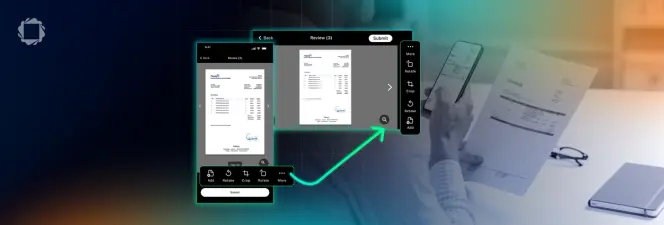
- Document Cleanup lets users manually remove fingers, marks, and hole punches from a scan after the fact, producing a copy closer to the original.
- Android 17, released in June 2026, requires landscape support for large-screen layouts. This release satisfies this requirement: tablets, kiosks, unfolded foldables, and ChromeOS are all covered.
Ready to get started? Build with what's new this fall. Check out the docs